Geospatial AR
Geospatial AR is powerful when the place itself is part of the experience
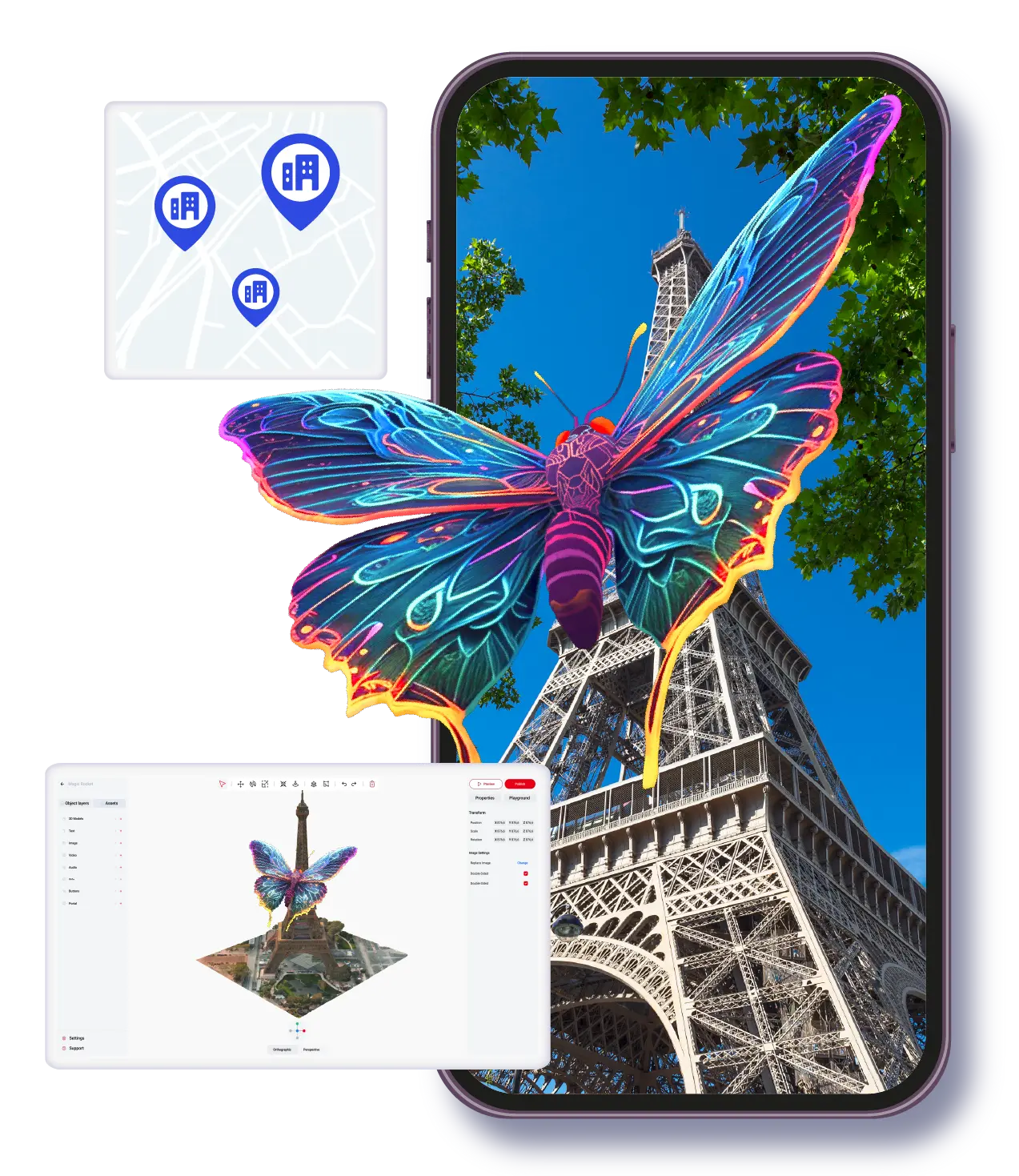
Geospatial AR is different from most AR formats because the location is not just where the experience happens. The location is the content anchor. A building, landmark, route, public square, museum district, or destination becomes the context that gives the digital layer meaning. That makes geospatial AR especially useful for tourism, placemaking, events, education, and cultural storytelling, but it also means the planning requirements are more specific than a standard browser-based or image-triggered campaign.
Best for
Tourism, destination storytelling, campus routes, cultural sites, and place-based event experiences.
Core advantage
Digital content can be tied to real places so the environment itself becomes part of the message.
Planning need
Teams must think about site conditions, user movement, orientation, and how the place is introduced.
Concept
Geospatial AR uses real-world location as the main anchor for content
In geospatial AR, the user is not simply scanning an image or opening a floating browser scene. The content is aligned with a specific place. That could be a city landmark, a trail stop, a museum exterior, a campus feature, or a public installation. The location becomes the reason the AR experience matters, because the digital content adds meaning to something physically present in the environment.
This format is often associated with VPS, location-aware mapping, and other spatial alignment methods. The technical implementation can vary, but the business logic stays consistent: the experience should become more valuable because it is tied to a real place rather than being detached from it.
- •Use geospatial AR when place context is part of the story, not just a background setting.
- •The best geospatial experiences feel local, specific, and location-aware rather than generic.
- •It is often stronger for discovery, storytelling, guidance, and cultural interpretation than for quick transactional moments.
Use cases
The most practical geospatial AR use cases are guided, contextual, and location-specific
Tourism teams use geospatial AR to bring routes, landmarks, and local history to life. Arts and culture organizations use it to layer exhibitions, public works, and place-based narratives onto real sites. Event teams use it to make large venues more discoverable and memorable. Education teams use it to connect learning content to real spaces, whether on a campus, a heritage site, or an urban environment.
What these use cases have in common is that the physical setting is doing part of the explanatory work. The AR layer adds interpretation, orientation, or narrative. It does not replace the place. It helps the audience see the place differently.
- •Destination storytelling and visitor engagement at attractions or public sites.
- •Educational trails, campus guidance, and contextual learning in real spaces.
- •Cultural interpretation and exhibition extensions tied to physical landmarks.
- •Large-scale event wayfinding or place-based sponsor activations.
Constraints
Geospatial AR needs stronger on-site thinking than most other AR formats
Because the experience depends on the environment, planning cannot happen only from a desk. Teams need to consider foot traffic, orientation, line of sight, weather, lighting, signage, and whether the user will understand where to stand or what to look at. If those operational details are ignored, even strong content can feel confusing in the field.
This is why a place-based AR pilot should be scoped carefully. Start with a site that has a clear story, a manageable user path, and a strong reason for the AR layer to exist. Prove the user journey, then scale the location set after the on-site behavior is better understood.
- •Visit the site before finalizing the experience plan whenever possible.
- •Design the onboarding so users know where to start and what the AR layer is trying to show.
- •Prioritize clarity over density. A smaller place-based AR story usually performs better than an overloaded one.
Platform view
ARLOOPA Studio helps when geospatial content is part of a broader AR program
ARLOOPA Studio is useful in geospatial workflows because the platform is broader than a single location format. Teams can pair place-based content with other AR models such as image tracking, WebAR, or supporting educational content depending on what the audience needs before, during, or after the visit. That is important for organizations that do not want separate systems for each type of AR activation.
If the location is the center of the experience, the next step is usually to study the existing pages around travel and tourism, art and culture, education, and event experiences. Those pages go deeper on the sectors where geospatial AR creates the most natural value.
- •Use one no-code environment to support location-aware projects and adjacent campaign formats.
- •Extend place-based activations with supporting AR content instead of isolating them into a standalone experiment.
- •Move from the format guide into sector-specific pages once the target audience and site type are clear.
Deployment planning
Geospatial AR should be evaluated as an on-site experience system, not only as a technical feature
Teams sometimes approach VPS or geospatial AR as if the main question is whether the anchor is accurate enough. That matters, but it is only part of the job. A place-based AR experience also depends on arrival conditions, onboarding, connectivity, signage, safety, user flow, and the reason someone would stop at that exact location. If those operational pieces are weak, even technically solid anchoring will not create a strong public experience.
That is why rollout planning should start with the site visit and the user journey, then move into content, then into the technology layer. For tourism, education, culture, and event projects, this order reduces wasted effort and reveals whether a smaller pilot would be smarter than a full multi-location deployment. ARLOOPA Studio fits this process because teams can prototype a limited place-based journey, validate audience behavior, and scale only once the environment and story prove they are worth the complexity.
- •Audit the physical site before designing the digital layer.
- •Use pilots to test onboarding, not only technical anchoring quality.
- •Scale to more locations only after one site demonstrates real visitor value.
FAQ
Geospatial AR FAQ
What is geospatial AR?
Geospatial AR places digital content in relation to real-world locations, landmarks, or mapped environments so the place itself becomes part of the experience.
Is geospatial AR the same as location-based AR?
They are closely related. Geospatial AR is often used to describe more precise or place-aware implementations, while location-based AR is the broader category.
Which industries benefit most from geospatial AR?
Tourism, arts and culture, events, education, and destination-focused organizations usually benefit most because real places are central to their audience experience.
What is the biggest mistake in geospatial AR planning?
Ignoring the real-world user journey. Site conditions, orientation, and onboarding are often more important than adding more content layers.
Existing Studio pages
Related Solutions
Use these established Studio pages when you need deeper solution or industry detail beyond this guide.
Travel and Tourism
Launch AR city guides, landmark tours, destination storytelling, and geospatial visitor experiences with location-based AR for tourism, culture, and travel teams.
Open pageArt and Culture
Discover how museums, galleries, exhibitions, and heritage projects use WebAR, image tracking, and geospatial AR to create interactive cultural experiences.
Open pageEvent Experiences
Create AR booth experiences, trade show activations, sponsorship layers, scavenger hunts, and product reveals with WebAR and no-code AR tools that increase attendee engagement.
Open pageEducation
Create AR lessons, learning cards, classroom posters, and educational WebAR experiences that help students explore concepts in 3D without extra app friction.
Open pageSchedule a demo
Book a demo with ARLOOPA Studio to see how your team can create no-code augmented reality experiences for marketing, education, events, packaging, and product storytelling.
Open pageContinue reading
Related Reading
These supporting guides answer the next practical questions readers usually have before launching an AR project.
Geospatial AR Use Cases
Use geospatial AR when real places need context, guidance, or narrative layers that make the visit more meaningful.
Read guideWebAR vs App-Based AR
Use this comparison to decide whether browser delivery or native app delivery is the more honest fit for your AR project.
Read guideWebAR Use Cases
Use these WebAR scenarios to decide where browser-based access has a genuine business advantage.
Read guide


