1
Open the prepared geospatial scene
Launch the template in Studio and load the Eiffel Tower location that is already pre-positioned for the experience.
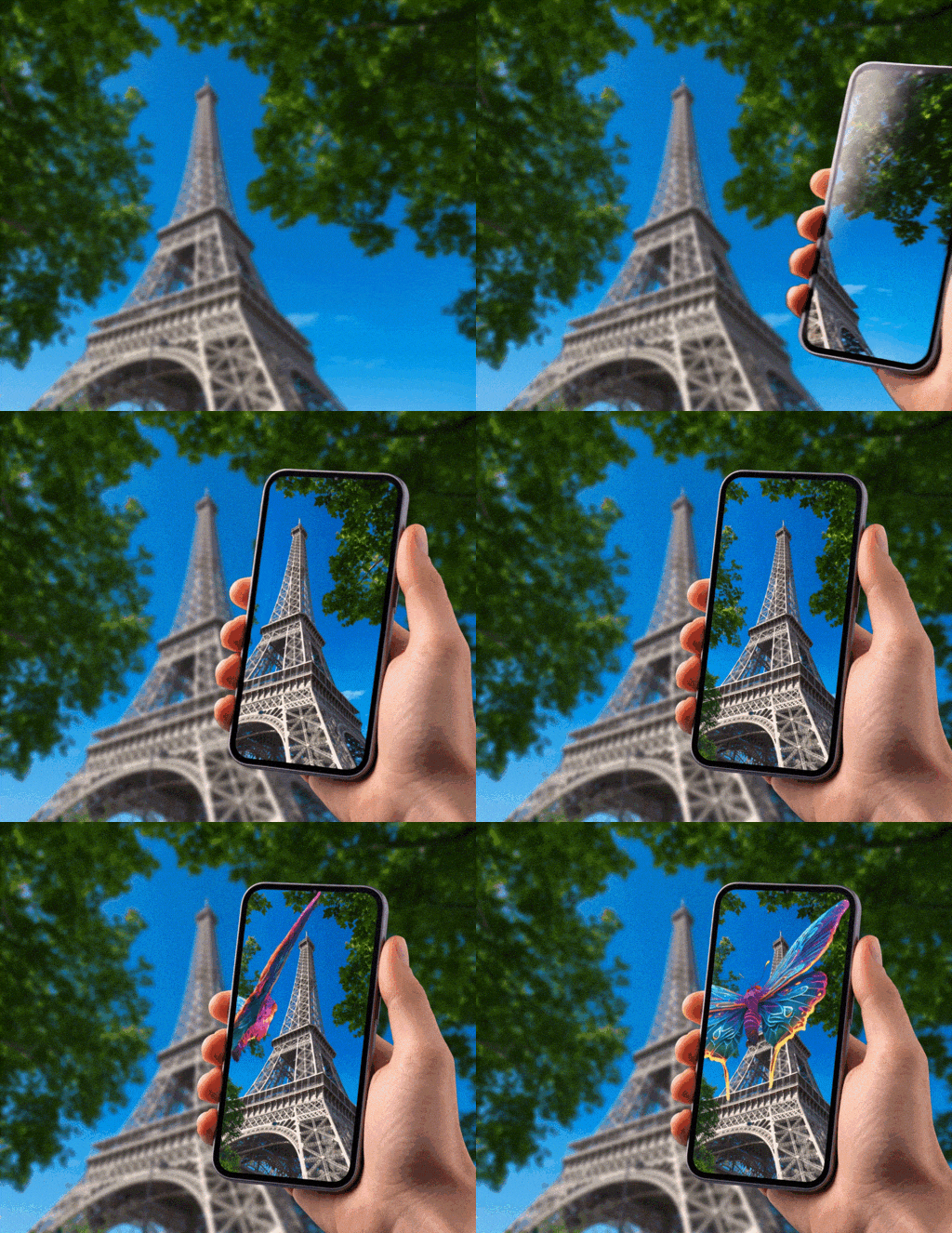
The Place content on Eiffel Tower template opens a geospatial scene already positioned at the Eiffel Tower. It is a fast starting point for tourism demos, landmark storytelling, and city-based activations in the ARLOOPA app.
Best for
Tourism demos, landmark storytelling, branded activations, and destination-focused geospatial AR concepts.
What it creates
A geospatial scene anchored to the Eiffel Tower area, ready for you to add 3D models, labels, media, or other AR content.
Publishing options
This template is designed for app-based geospatial delivery through the ARLOOPA app rather than Web AR.
Step by step
The template starts with the location already prepared, so your work is focused on content, positioning, and publishing instead of basic map setup.
Launch the template in Studio and load the Eiffel Tower location that is already pre-positioned for the experience.
Insert 3D models, images, video, text, or other content that should appear around the landmark.
Fine-tune the placement, orientation, and size of your content so it feels grounded in the real location.
Choose the preview image, title, and description that will represent the experience inside Studio and in sharing flows.
Publish the experience for the ARLOOPA app, then validate it at the actual location to confirm placement and usability.
What is already prepared
The template opens with the coordinates and area already aligned to the Eiffel Tower, which removes the first geospatial setup steps from the workflow.
That makes it useful for faster demos, internal concepts, and teams that want to focus on content placement before they deal with a fully custom geospatial scene.
Before you publish
Geospatial AR depends on real-world context, so remote setup is only part of the job. Before final rollout, check the scene at the physical location and confirm that placement, scale, and visibility feel correct on a real device.
Where it fits best
This template works best when the place itself matters. It is useful for branded landmark activations, city storytelling, tourism campaigns, and location-specific previews where content needs to feel attached to a real destination.
FAQ
No. This template is built for geospatial app-based delivery through the ARLOOPA app.
No. You can prepare the scene remotely in Studio, then test and refine it on-site before final rollout.
You can modify the scene after opening it, but this template is specifically prepared around the Eiffel Tower as the starting location.
3D models, labels, animated objects, short explanatory media, and other elements that add context to the landmark usually work best.



Products
Solutions
ARLOOPA Inc. 2026