AR Templates
Start faster with reusable AR templates
Use ARLOOPA Studio templates to shorten setup time for common AR formats such as packaging, print, events, education, and product visualization.

Faster setup
Start with proven structures instead of rebuilding every experience from zero.
Repeatable output
Keep campaign structure consistent across business cards, brochures, packaging, and event activations.
No-code editing
Adjust assets, copy, and publishing targets without leaving the Studio workflow.
Template guides
Public guides for ready-made AR templates
Preview the template, understand the workflow, and review the step-by-step setup before you open it in Studio.
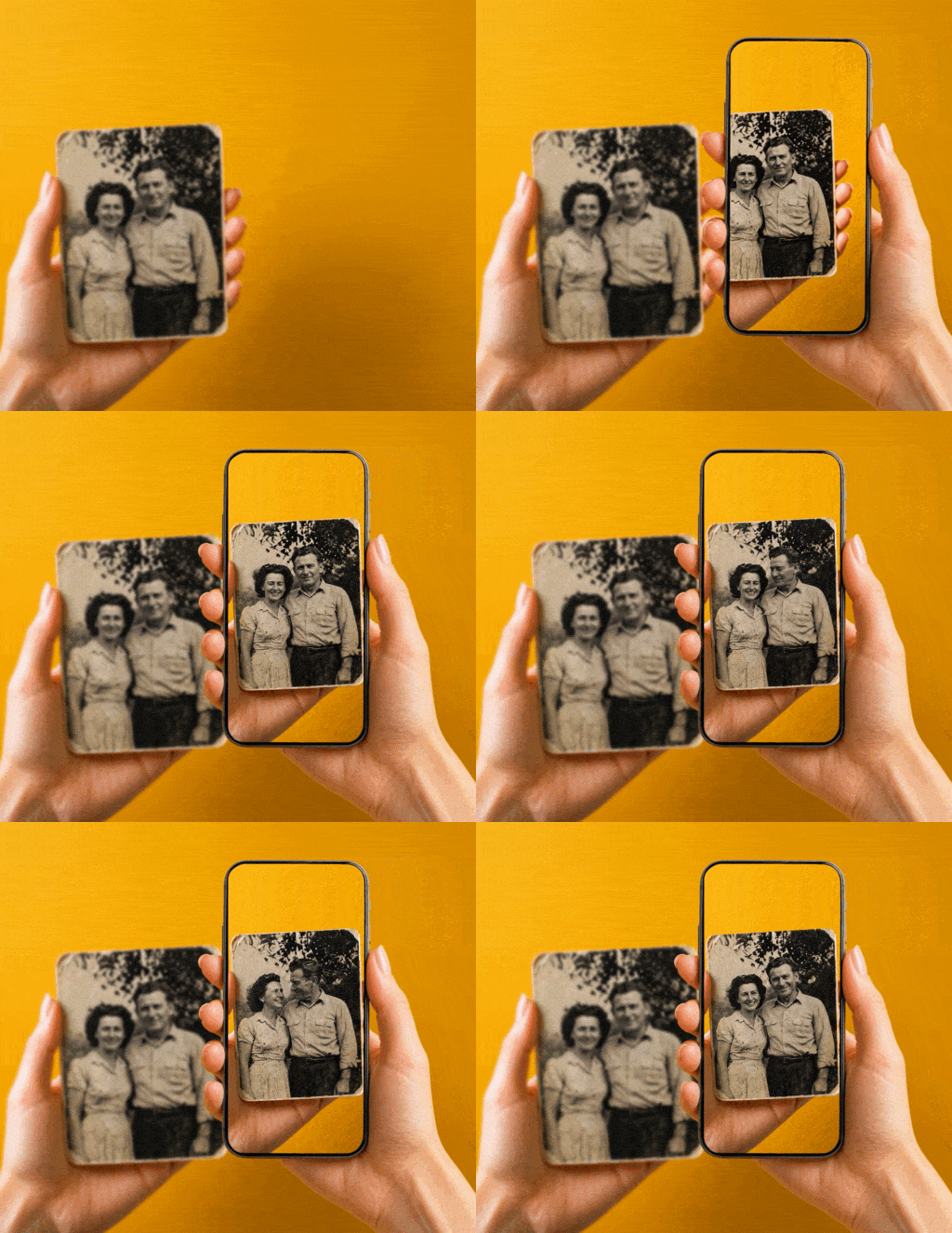
Make image alive template
The Make image alive template turns a static image into a marker-based AR experience. Upload the image people will scan, generate a short AI video from it, and publish the result for Web AR or the ARLOOPA app.

Place content on Eiffel Tower template
The Place content on Eiffel Tower template opens a geospatial scene already positioned at the Eiffel Tower. It is a fast starting point for tourism demos, landmark storytelling, and city-based activations in the ARLOOPA app.
Template types
What AR templates help teams publish faster
Templates are useful when the interaction pattern is repeatable. Instead of starting from a blank scene, teams can select a structure that matches the use case and swap in campaign-specific assets.
- •Packaging templates for scan-to-open product storytelling
- •Print templates for brochures, catalogs, posters, and business cards
- •Education templates for learning cards and lesson materials
- •Product demo templates for 3D visualization and guided exploration
Why templates matter
How templates reduce AR production overhead
Templates help teams move from idea to live experience with fewer setup decisions. That is useful for internal teams, agencies, and distributed content operations that need speed and consistency.
They also make it easier to onboard new users because the starting point already reflects a working structure.
- •Reduce time spent configuring common scene logic and structure
- •Standardize outputs across campaigns and departments
- •Make approvals easier with familiar, repeatable experience patterns
- •Turn successful pilots into reusable internal playbooks
FAQ
AR Templates FAQ
Are templates fixed or can I customize them?
Templates are starting points. You can replace assets, change messaging, edit scenes, and publish the final experience to match your needs.
Do templates support WebAR?
Yes. Templates can be used for WebAR-friendly workflows where QR codes and links are part of the launch path.
Can teams create their own repeatable internal template workflows?
Yes. Many teams use one successful experience structure as the basis for repeated campaign production inside Studio.
Who benefits most from AR templates?
Templates are especially useful for teams running recurring campaigns, education programs, or product communications at scale.
Explore more
Related ARLOOPA Studio pages
Review related AR workflows and use cases before planning the next build.



