WebAR Builder
Créez des expériences WebAR sans code
Créez de l’AR dans le navigateur qui s’ouvre depuis des QR codes, liens et supports imprimés. Utilisez ARLOOPA Studio pour lancer des campagnes WebAR sans téléchargement d’application ni développement spécifique.
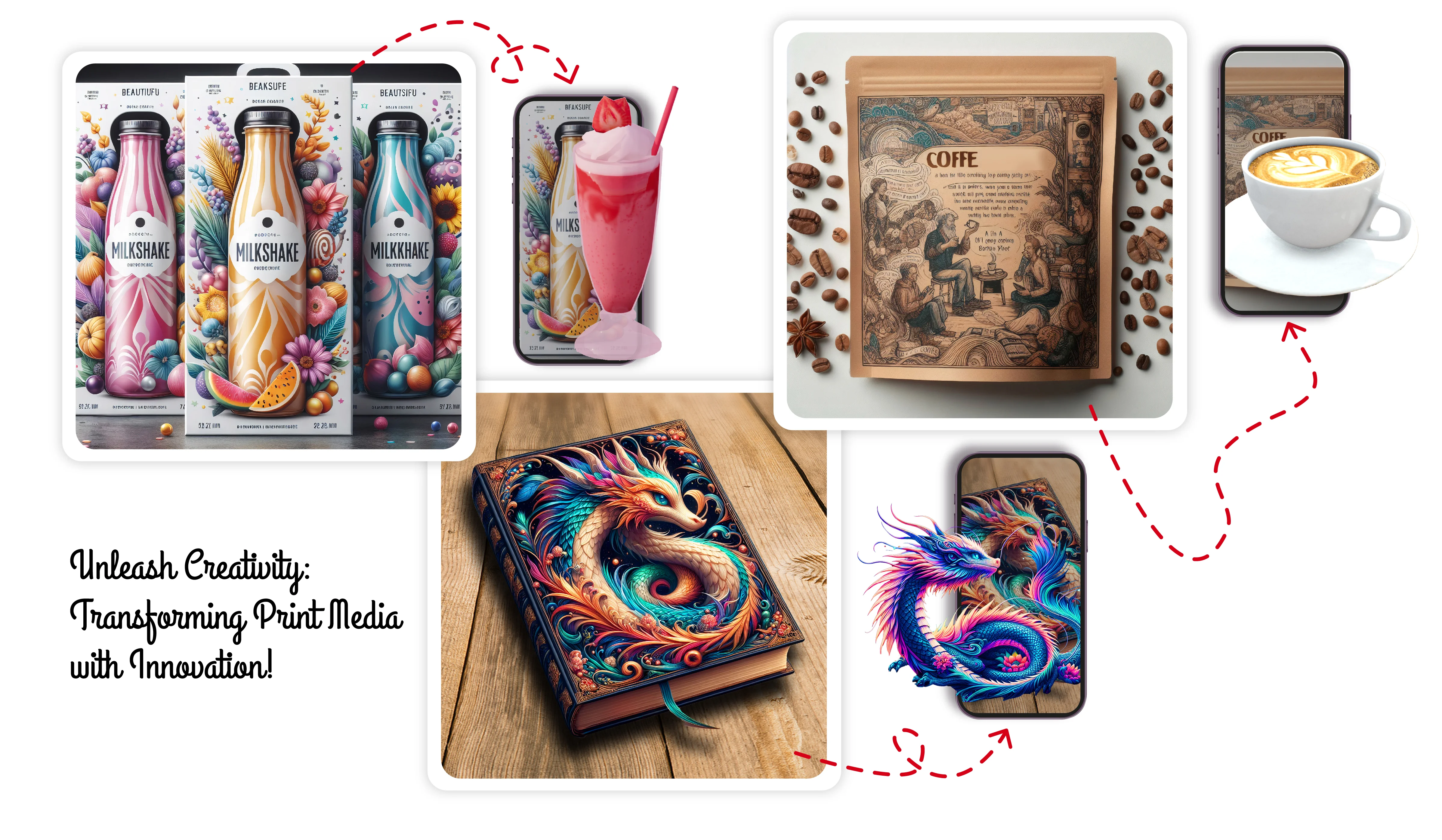
Browser launch
Open AR from mobile links and QR codes without forcing users into an app-install funnel.
Multiple triggers
Combine image tracking, markerless placement, and face tracking in WebAR-ready experiences.
Fast publishing
Update scenes, media, and launch flows quickly as campaigns change over time.
Use cases
What teams use a WebAR builder for
WebAR is a practical fit when the goal is fast access from printed materials, packaging, event signage, ads, or direct-response campaigns.
Instead of building a custom hosted AR stack, teams can create, publish, and manage browser AR from one Studio workflow.
- •Packaging experiences that open from QR codes and short links
- •Print activations for flyers, catalogs, cards, and posters
- •Product demos that show 3D placement or contextual stories
- •Event activations that work directly on attendee phones
Workflow
How ARLOOPA Studio shortens WebAR production
Teams can assemble scenes, upload media, connect triggers, and publish from one interface. That reduces the gap between creative planning and live campaign delivery.
Because the builder is no-code, marketing, innovation, and product teams can iterate faster without waiting on a custom rebuild for every content update.
- •Use the same editor for video, 3D, buttons, text, and logic
- •Publish WebAR links that can be reused in print and digital channels
- •Track launches and engagement from Studio analytics
- •Scale from one pilot to repeatable campaign workflows
Best fit
When WebAR is the right AR format
WebAR is strongest when fast access matters more than app-based session depth. It is especially effective for promotional, educational, and transactional moments where every extra step reduces conversion.
- 1Use WebAR when campaigns depend on QR or link-based discovery
- 2Use tracked WebAR when printed triggers are central to the experience
- 3Use markerless WebAR when content needs to be placed on nearby surfaces
- 4Use app-based flows only when your use case needs deeper native behavior
FAQ
WebAR Builder FAQ
Does WebAR in ARLOOPA Studio require coding?
No. The WebAR builder is designed for no-code creation, scene editing, publishing, and iteration.
Can WebAR experiences include 3D, video, and buttons together?
Yes. You can combine multiple content types in the same scene and control how they appear and behave.
Can I publish one WebAR experience for multiple campaigns?
Yes. Teams often reuse and adapt experiences across QR codes, print assets, and event touchpoints.
What kinds of teams use this builder?
Marketing, retail, packaging, events, education, and innovation teams use it when they need fast browser-based AR launches.
Explorer davantage
Pages ARLOOPA Studio associées
Consultez des workflows et cas d’usage liés avant de planifier votre prochaine réalisation.
WebAR Examples
See packaging, retail, museum, and event examples that can guide your next project.
Ouvrir la pageAR Packaging Software
Use WebAR to turn packaging into a product education and loyalty channel.
Ouvrir la pageAR for Print Media
Connect posters, flyers, catalogs, and cards to browser AR.
Ouvrir la page


