Create AR
Create AR experiences without code
Use ARLOOPA Studio to create AR experiences for WebAR, image tracking, markerless placement, face tracking, and geospatial campaigns from one no-code workflow built for fast publishing.
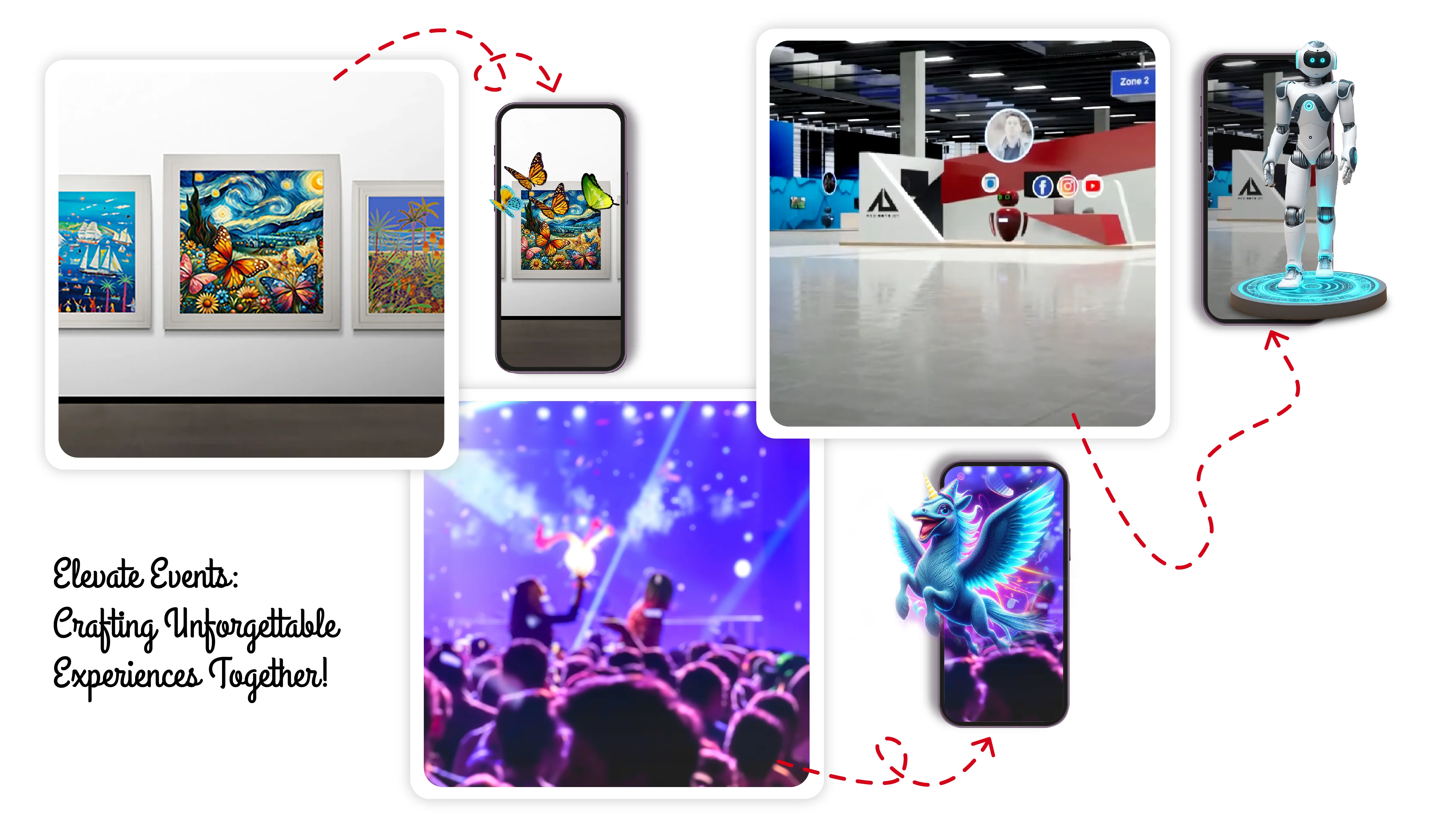
Multiple AR formats
Create marker-based, markerless, face tracking, WebAR, and geospatial experiences from the same platform.
No-code editor
Add 3D models, video, images, text, audio, and interactions without building a custom AR stack.
Faster publishing
Move from concept to live AR experience with reusable workflows, templates, and browser-ready launch options.
What you can build
How teams create AR in ARLOOPA Studio
ARLOOPA Studio is built for teams that need to create AR experiences without starting from raw code. You can choose the AR format first, add media and 3D content, configure interactions, and publish the result from a single workflow.
That makes it practical for marketing campaigns, product storytelling, education, museum content, packaging, events, and internal prototyping when the team needs a usable AR output instead of a long custom development cycle.
- •Create WebAR experiences that open from QR codes and links
- •Build marker-based AR tied to printed images or packaging
- •Publish markerless AR for surface placement and product demos
- •Use face tracking and geospatial AR when the experience requires them
Workflow
A practical create AR workflow from idea to launch
Most teams start by choosing the launch format that matches the user journey. After that, they assemble the scene with media, 3D assets, text, buttons, and scene logic, then publish and iterate from Studio.
Because the workflow is no-code, content teams can keep improving the experience after launch instead of treating AR like a one-time technical deliverable.
- 1Choose the AR mode based on how people will discover the experience
- 2Add 3D models, video, audio, images, text, and scene interactions
- 3Preview and publish from the same Studio environment
- 4Update assets and relaunch without rebuilding the project from scratch
Best fit
When a no-code AR creator is the right choice
A no-code AR creator is strongest when speed, iteration, and operational control matter more than writing a custom app for every campaign. It helps teams launch faster, test more ideas, and keep production closer to the people who own the content.
For highly specialized native workflows, custom engineering may still be necessary, but many practical AR use cases can be published and maintained efficiently inside Studio.
- •Use it when campaigns need repeatable AR production
- •Use it when marketing or content teams must update AR after launch
- •Use it when browser-based access reduces friction for the audience
- •Use custom development only when the use case truly exceeds a no-code workflow
FAQ
Create AR FAQ
Can I create AR experiences without coding?
Yes. ARLOOPA Studio is built as a no-code AR creation workflow for scene building, publishing, and iteration.
What AR formats can I create in Studio?
Teams can create WebAR, marker-based AR, markerless AR, face tracking experiences, and geospatial AR depending on the use case.
Can I use my own 3D models, videos, and images?
Yes. Studio supports combining your own assets with text, buttons, and interaction logic inside the same AR scene.
Is this only for agencies or large technical teams?
No. The workflow is useful for marketers, educators, brand teams, museums, event organizers, agencies, and product teams that need practical AR publishing.
Explore more
Related ARLOOPA Studio pages
Review related AR workflows and use cases before planning the next build.



