ARLOOPA Academy
Tutorials
Tutorials: 14
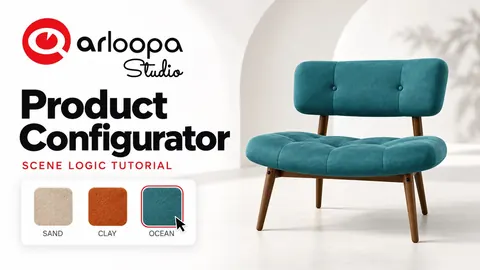
Build an AR product configurator
Create an exploded assembly
Create an interactive AR story
Bring Mona Lisa to life in AR
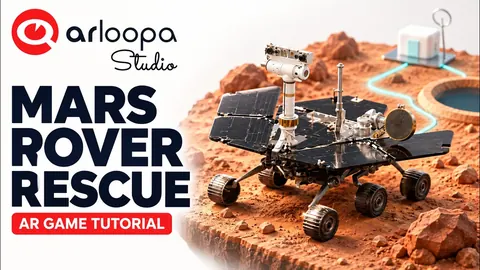
Build a Mars Rover rescue game
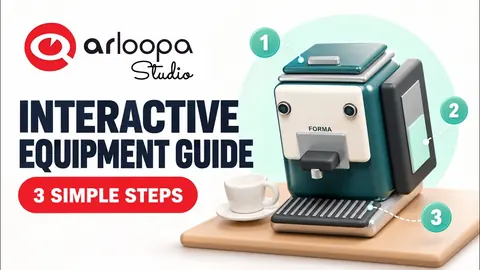
Build an interactive equipment guide
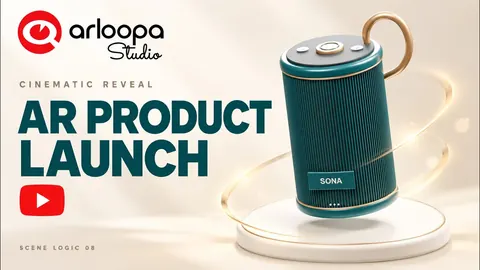
Create a cinematic AR product launch
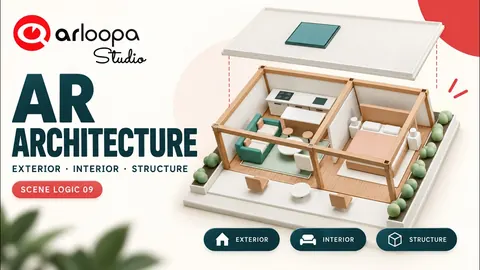
Create an interactive AR house tour
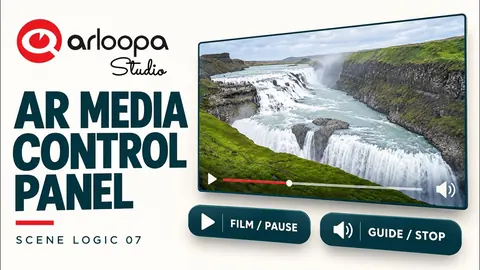
Build an AR multimedia control panel
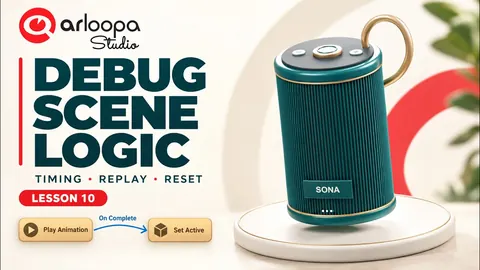
Animation timing, replay & reset
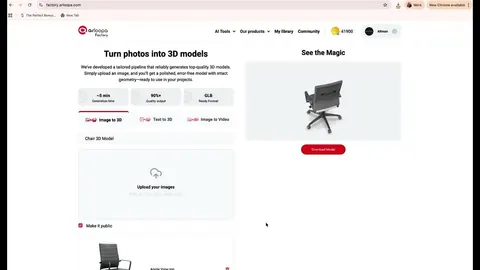
Turn any object into a 3D model
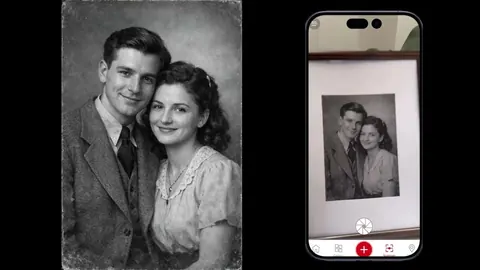
Animate a photo with AI & AR
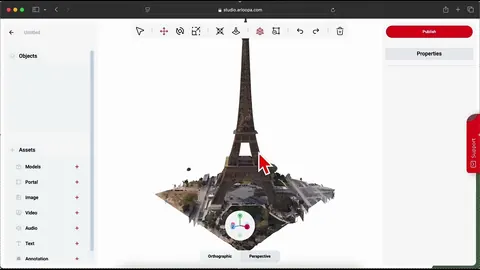
Create geospatial AR
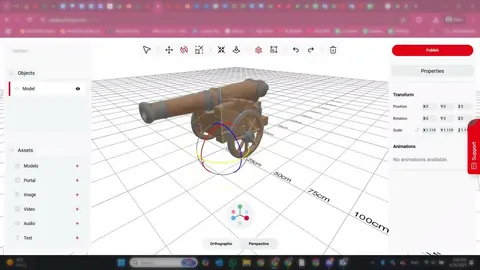
Create 3D models with Genie AI
Learn ARLOOPA Studio step by step
ARLOOPA Academy is a library of video tutorials for building augmented reality experiences in ARLOOPA Studio, the no-code AR creation platform that runs in your browser. Each tutorial pairs a video with written steps, a checklist of what you need and tips for checking your result, so you can follow along in Studio at your own pace.
The Academy is for marketers, agencies, educators, museums, tourism teams, real estate professionals and product teams who want interactive AR without writing code. Tutorials are grouped by topic: Scene Logic interactions, product visualization, AI and 3D creation, and tracking types such as geospatial AR. Start with a path below, or filter the library to find a specific pattern.
Most tutorials take five to ten minutes to watch, but plan more time to rebuild the pattern with your own assets. A good habit is to follow the video once with simple placeholder objects, then repeat it with your real models and media. Every pattern ends with a test on a phone, because that is where your visitors will experience it, whether they open it as WebAR from a link or QR code or in the ARLOOPA app.
Suggested learning paths
Start here: your first interactions
Learn how Scene Logic connects taps to actions, then build simple guides and players you can reuse in almost any project.
Product visualization and launches
Build configurators, exploded views and timed reveals that help shoppers and buyers understand a product in their own space.
Stories, art and games
Use sequences, timing and feedback to create interactive stories, living artworks and small AR games.
AI content and places
Generate 3D models and animated media with AI tools in Studio, and anchor content to real-world locations.
Academy FAQ
Do I need coding experience to follow the tutorials?
No. ARLOOPA Studio is a no-code platform. Interactions are built with Scene Logic, a visual node graph where you connect events like taps to actions like showing objects or playing animations.
Where should a beginner start?
Start with the equipment guide or house tour tutorials. They introduce tappable markers and simple Scene Logic connections, then the replay and reset tutorial shows how to make interactions reliable.
Can I publish what I build as WebAR?
Yes. Experiences built in Studio can be published as WebAR, which opens in the phone browser from a link or QR code without an app, or published to the ARLOOPA app.
Are the tutorials up to date with the current Studio editor?
The Academy only lists tutorials recorded for the current Studio interface. Older videos made for previous versions of the editor are not included.


