AR greeting card templates
AR greeting card templates for life’s big moments
Pick a moment, upload a photo and get a printed card that comes alive when someone scans it. Each template opens the same Make image alive builder with a motion prompt written for that occasion, from birthday confetti to the soft glow of a baby announcement.
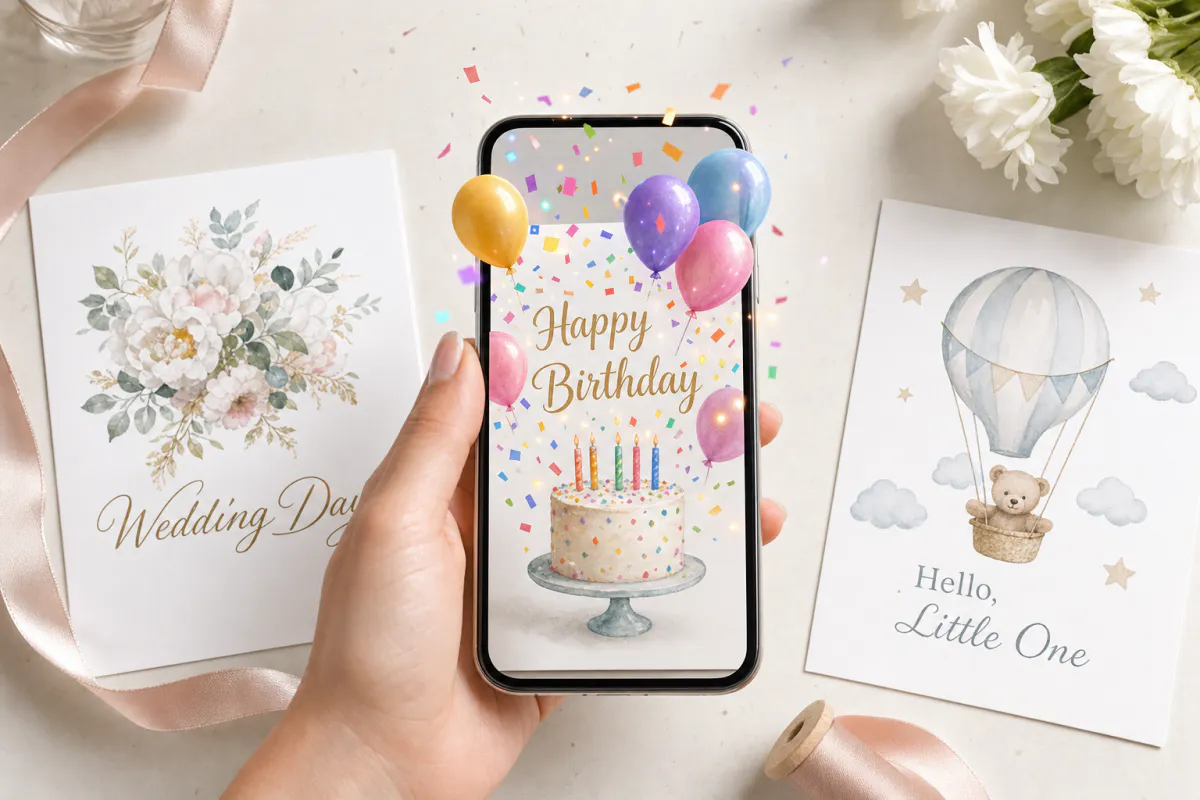
Seven occasions
Birthdays, wedding invitations, save the dates, baby announcements, graduations, anniversaries and thank-you cards, each with its own preset.
Your photo is the trigger
The image you upload becomes the scan target, and a short AI-animated version of it plays on top of the printed card.
Opens in the browser
Publish as WebAR so recipients scan a QR code and watch without an app, or publish to the ARLOOPA app as well.
Templates
AR greeting card templates
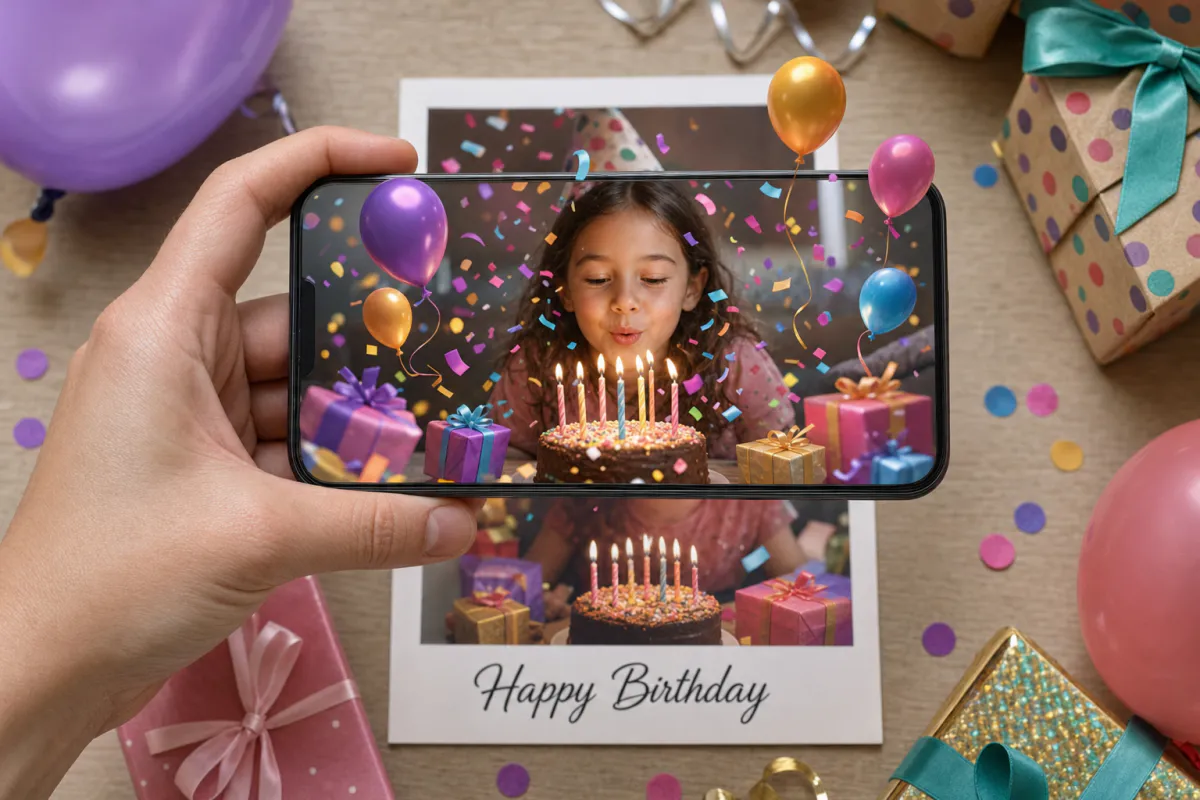
Birthday AR card template
Milestone birthdays, cards for grandparents and friends far away, kids’ party invitations and birthday greetings from small businesses to regular customers.
See the guide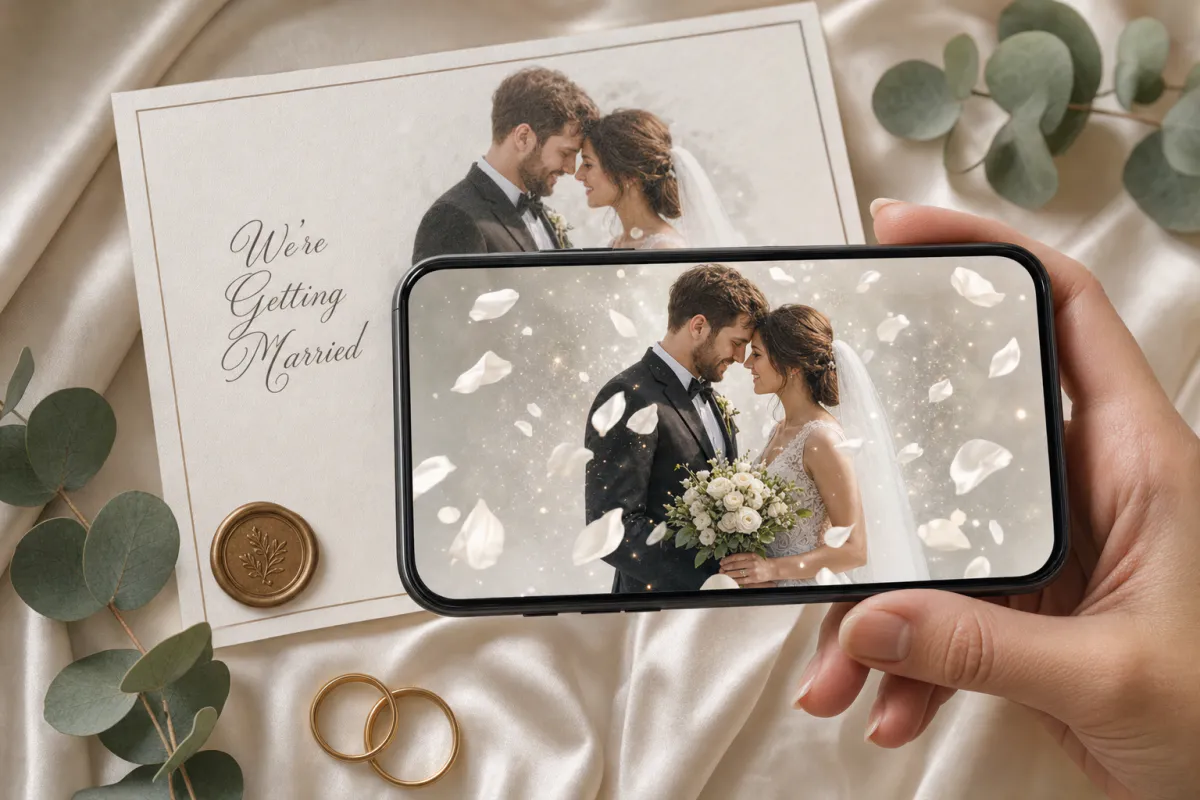
Wedding AR invitation template
Couples planning printed invitations, stationers adding a premium option to a suite, and planners matching invitations to day-of signage.
See the guide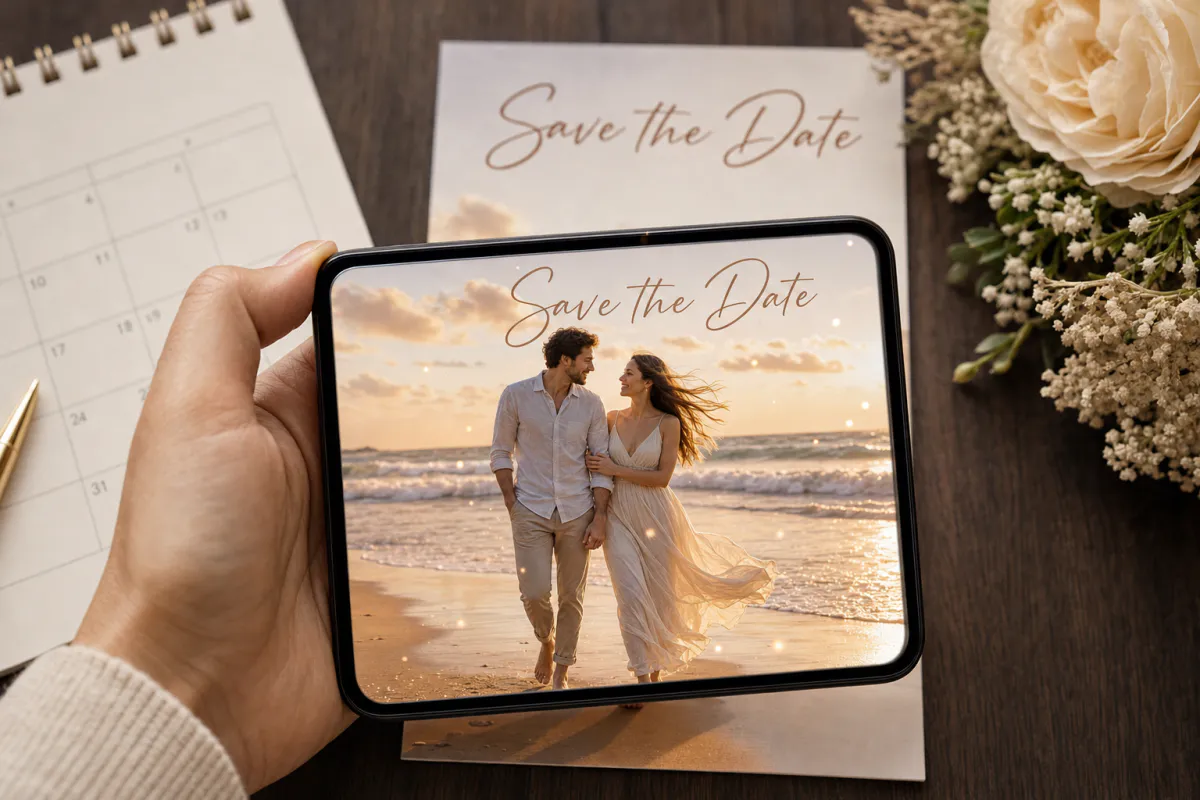
Save the date AR card template
Engagement photo save the dates, destination weddings with guests abroad, and photographers who want to deliver more than a gallery after an engagement session.
See the guide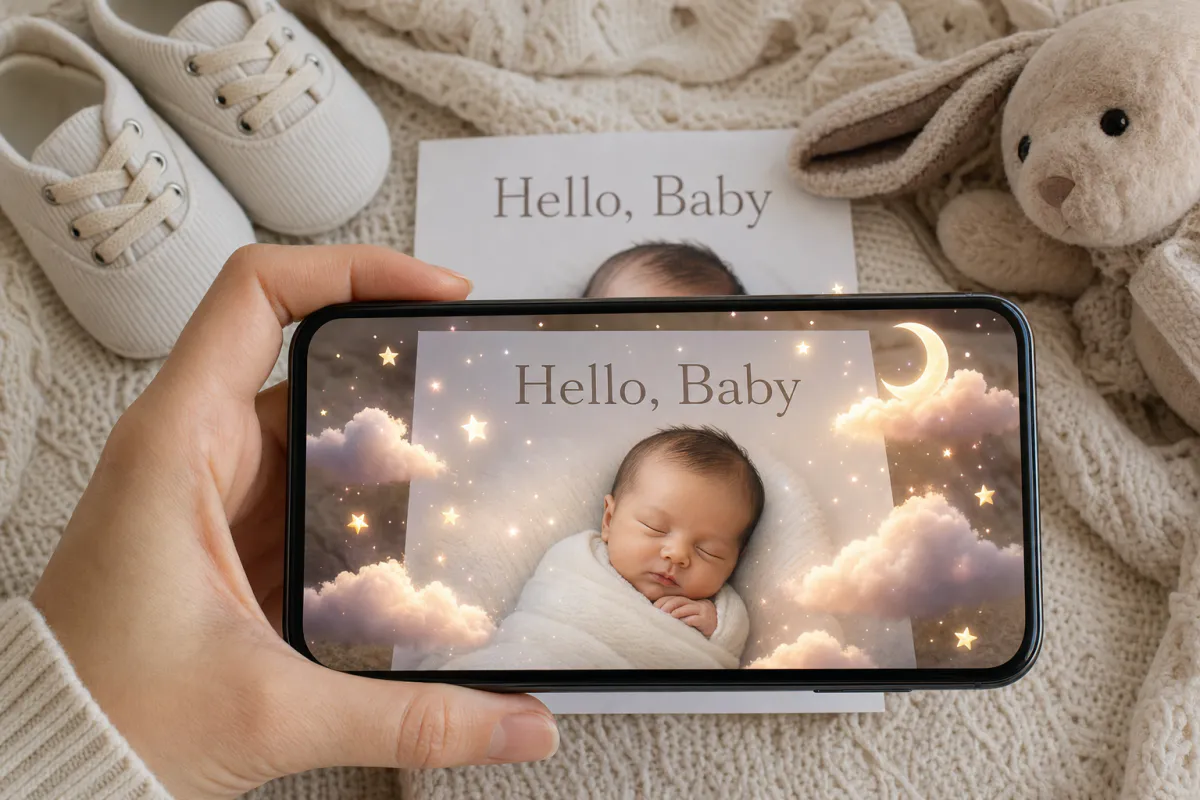
Baby announcement AR card template
Birth announcements, pregnancy announcements for grandparents, adoption announcements and newborn photographers looking for a keepsake add-on.
See the guide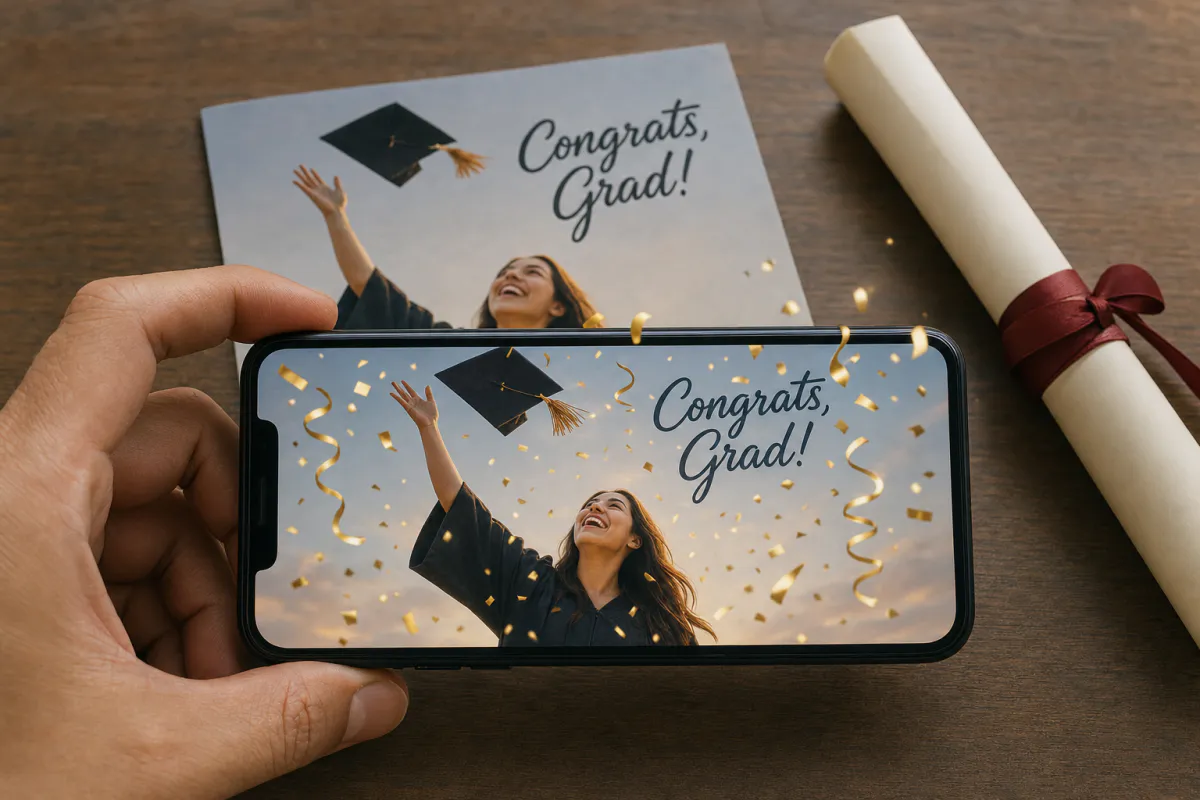
Graduation AR card template
High school and college graduation announcements, grad party invitations, senior portrait photographers and schools celebrating a graduating class.
See the guide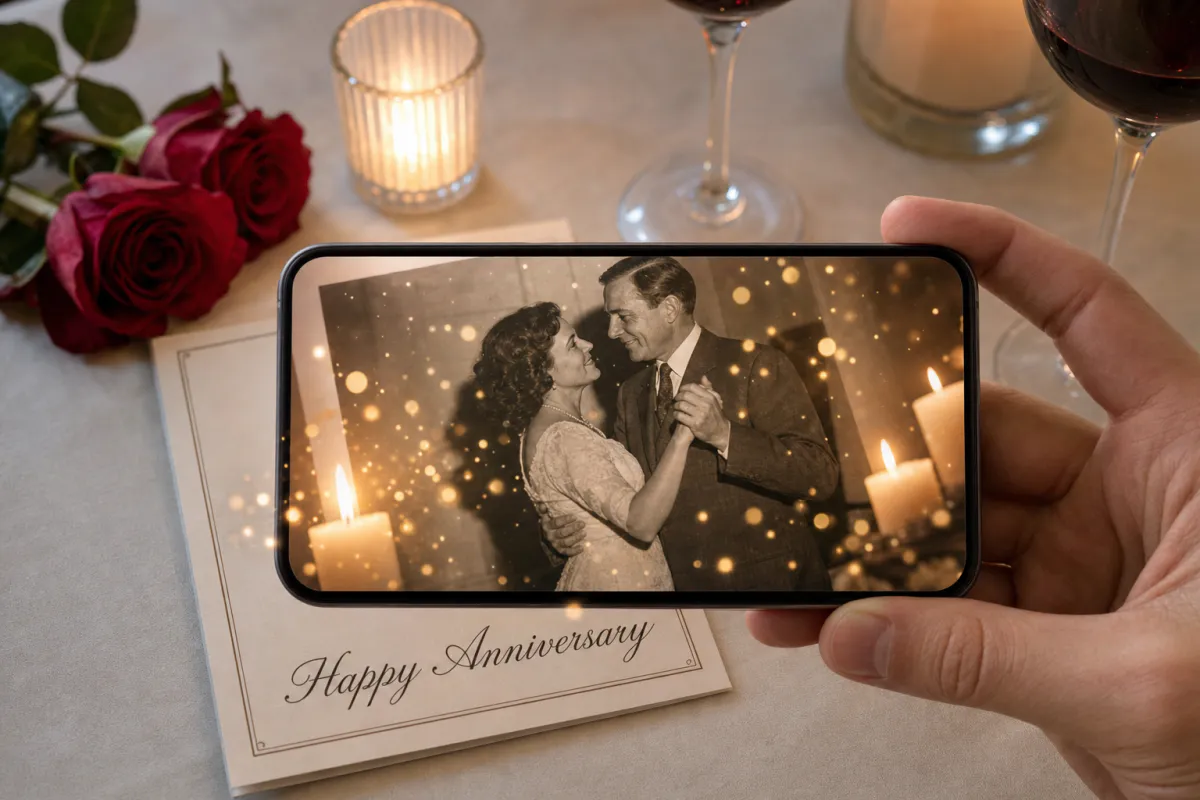
Anniversary AR card template
First anniversaries, milestone years like the 25th and 50th, surprise cards for parents and grandparents, and vow renewal keepsakes.
See the guide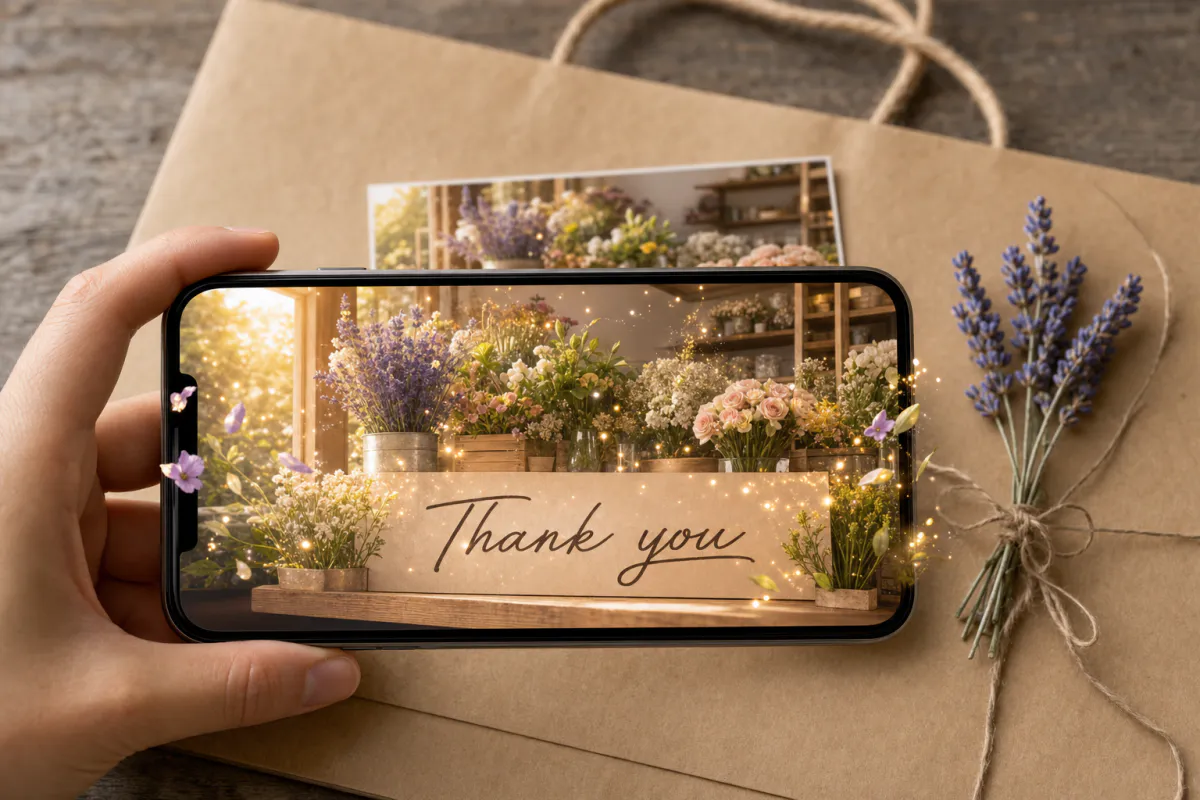
Thank you AR card template
Wedding and shower thank-you notes, cards for teachers, nurses and mentors, and small businesses adding a thank-you card to customer orders.
See the guideHow it works
From photo to scannable card in five steps
Every template uses the same builder. What changes is the starting point: each occasion comes with a matching experience name and an AI motion prompt that keeps faces and composition natural.
Generation uses Studio coins, and the builder shows the estimate before anything is created. Afterwards the experience can be opened in the Studio editor for further changes.
- 1Choose the template for your occasion
- 2Upload the exact image you will print
- 3Review or edit the motion prompt, up to 300 characters
- 4Pick Web AR, the ARLOOPA app or both, then generate
- 5Print the card with its QR code and test-scan one copy
Choose a template
Which template fits your moment
The presets differ in mood more than in mechanics. Celebrations like birthdays and graduations get bright, energetic motion, while anniversaries and baby announcements stay calm and intimate.
You are never locked in. Start from the closest preset and rewrite the prompt for the moment you actually have, whether that is a retirement card or a housewarming thank-you.
- •Birthday: confetti, balloons and flickering candles
- •Wedding invitation and save the date: drifting petals, breeze and cinematic light
- •Baby announcement: soft clouds, tiny stars and a pastel glow
- •Graduation: confetti bursts and golden streamers
- •Anniversary: warm candlelight and slow bokeh
- •Thank you: subtle sparkles and a warm glow
For small businesses
An add-on for photographers, stationers and planners
If you already produce the photos or paper for these occasions, AR is an easy extra to offer. A photographer can animate the chosen shot from a newborn or engagement session, and a stationer can add a scannable option to an invitation suite.
Event planners can carry the same artwork from invitation to welcome sign, and shops can include a scannable thank-you card in every order, then follow views on the analytics page.
- •Newborn, senior and engagement photographers: AR prints as a package upgrade
- •Stationers: a scannable main card on wedding and announcement suites
- •Planners: matching invitations and scannable signage at the event
- •Shops and makers: one AR thank-you card for every order
FAQ
AR greeting card FAQ
How does an AR greeting card work?
It is a printed card whose image is recognized by a phone camera. When scanned, a short animated version of the picture plays on top of the card, right where it sits.
Do recipients need an app?
Not when you publish as WebAR. They scan the QR code with their phone camera, the experience opens in the browser, and they point the phone at the card.
What makes a photo scan well?
Detail and contrast. Faces, patterns and busy backgrounds track well; plain backdrops, large empty areas and glossy finishes make tracking harder. Always print exactly the image you uploaded.
How long is the animation?
Studio generates a short AI video of around five seconds from your image, following the motion prompt you approve.
Does it cost anything to create a card?
Generating the animation spends Studio coins, and the estimate is displayed in the builder before you commit. Plans and coin options are on the pricing page.
Can I edit a card after it is printed?
Yes. The experience can be opened in the Studio editor after generating, so you can change its content while the printed image stays the scan target.
Explore more
More AR templates
Every occasion uses the same quick workflow: upload a photo, add AI motion, share as WebAR.
Holiday AR templates
Make holiday cards that come alive in augmented reality: Christmas, New Year, Valentine’s, Easter, Eid and more. Upload a photo, add AI motion, share as WebAR.
Open pageAR marketing templates
AR marketing templates for menus, event posters, real estate flyers, children’s books, art prints and holiday postcards. Upload an image and publish as WebAR.
Open pageMake image alive
Start from a blank prompt and animate any image for any occasion.
Open page


