AR marketing templates
AR marketing templates for print that comes alive
Restaurants, promoters, agents, publishers, artists and brands already print images people look at. These templates turn one of those images into an AR experience: a short AI animation plays on top of the printed piece when someone scans it, and each template starts with a motion preset written for its format.
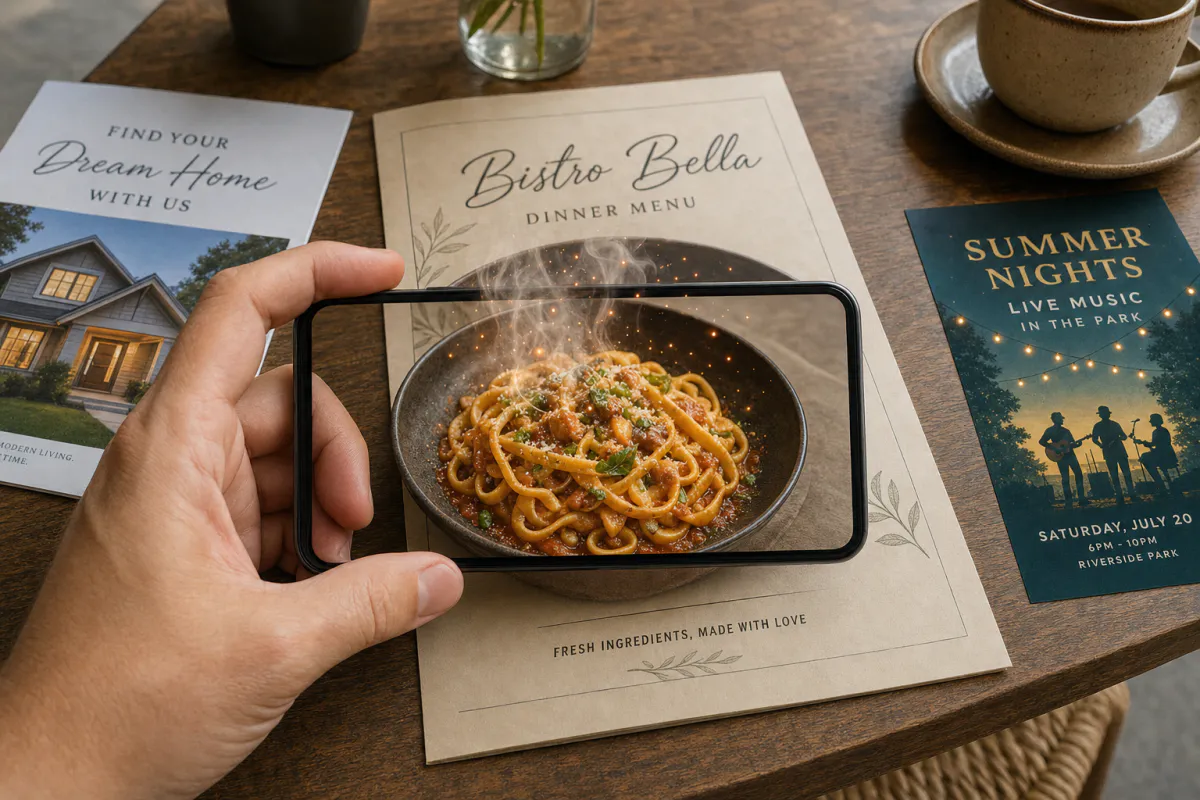
One image, one experience
The image you upload is both the scan target and the source for the AI video, so the motion lines up with the print.
No app for your audience
Publish as WebAR and people open it from a QR code in the phone browser, or publish to the ARLOOPA app as well.
Room to grow
Open any result in the Studio editor to add buttons, 3D models, audio and Scene Logic, then follow views on the analytics page.
Templates
AR marketing templates
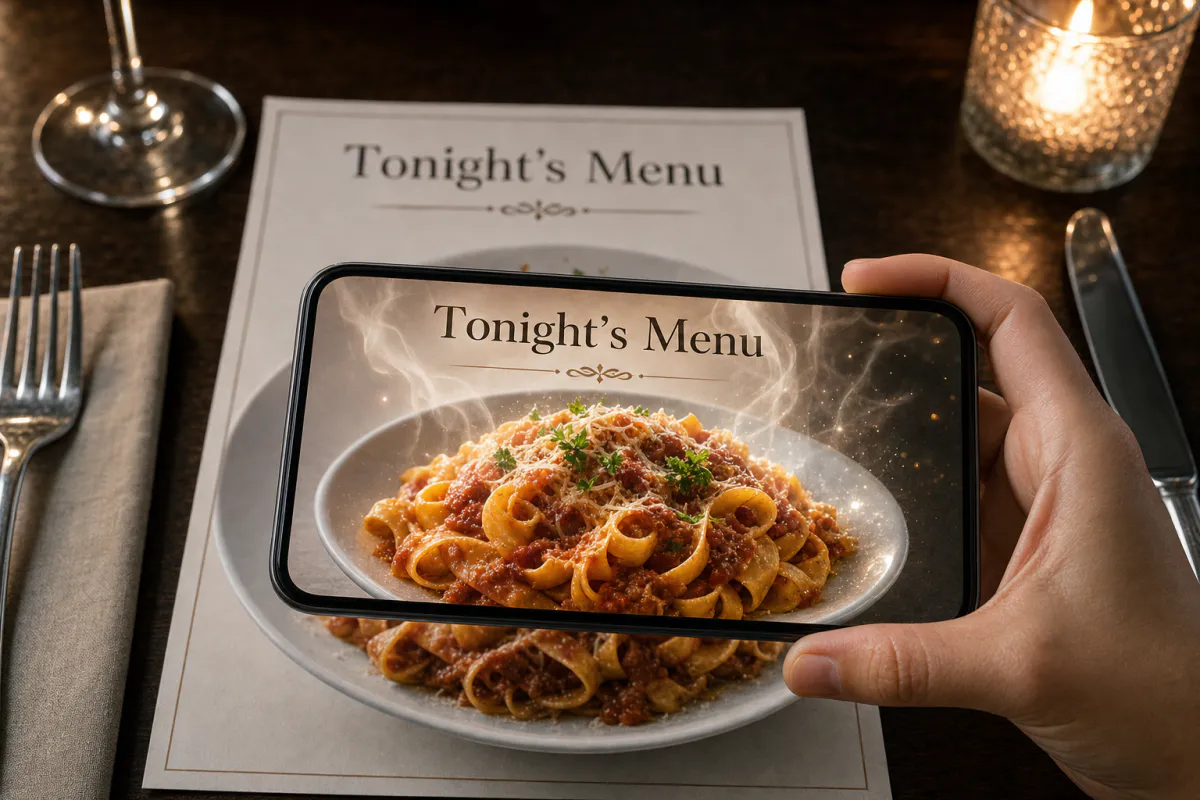
AR restaurant menu template
Signature dish pages, table tents, specials boards, dessert cards and window menus for restaurants, cafés, bars and food trucks.
See the guide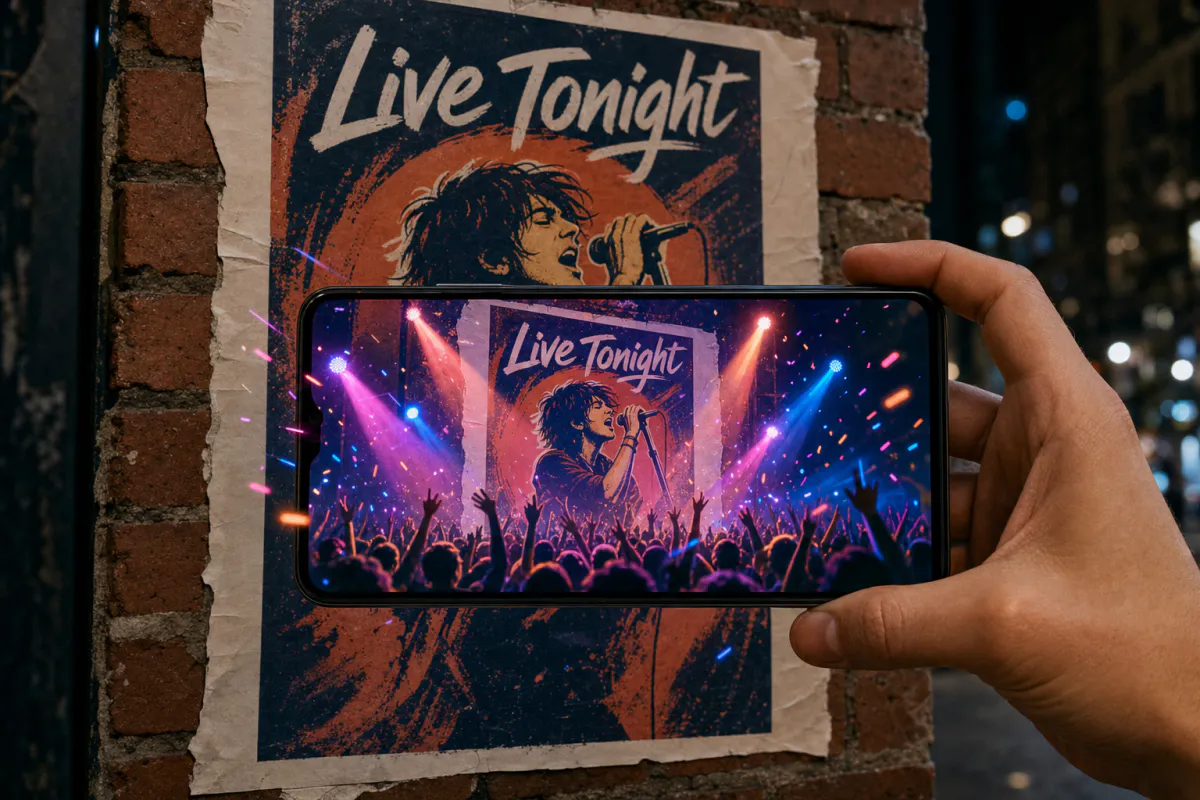
AR event poster template
Concerts, club nights, festivals, theater runs, conferences, exhibitions, sports fixtures and product launches.
See the guide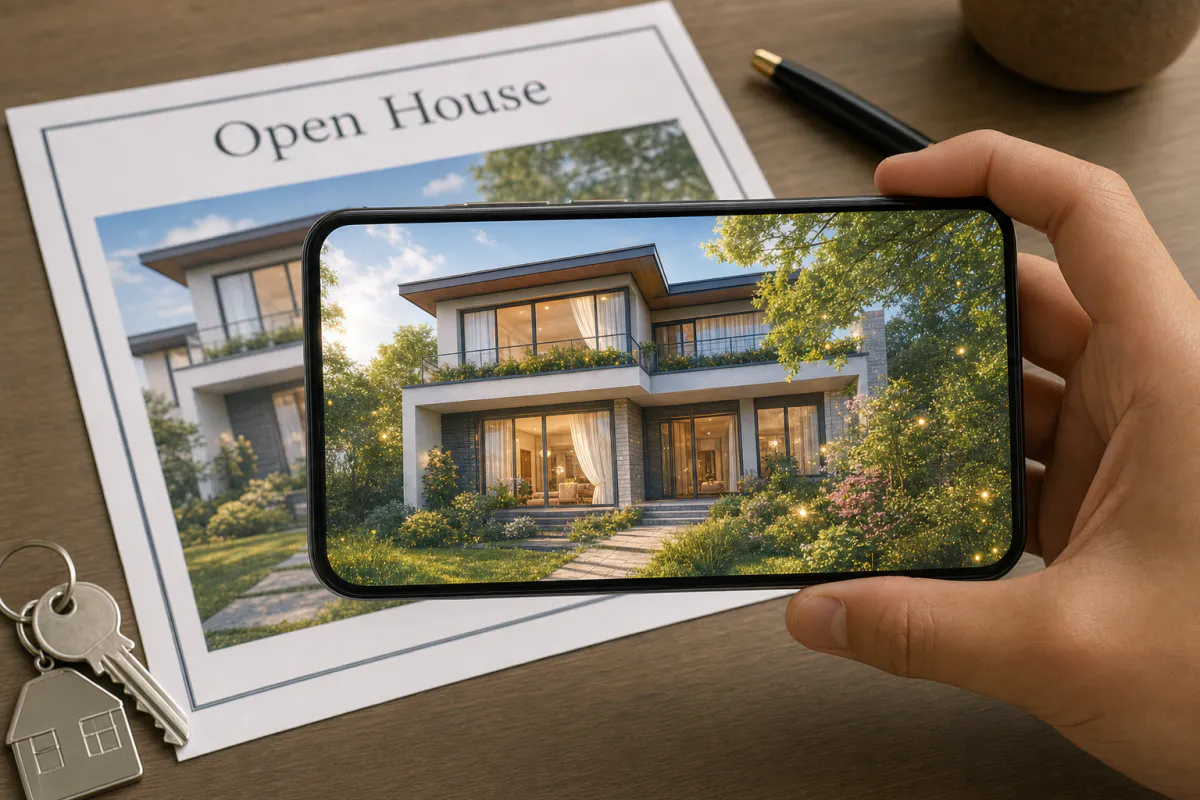
Real estate AR flyer template
Listing flyers, open house handouts, just-listed postcards, window cards at the agency and new development brochures.
See the guide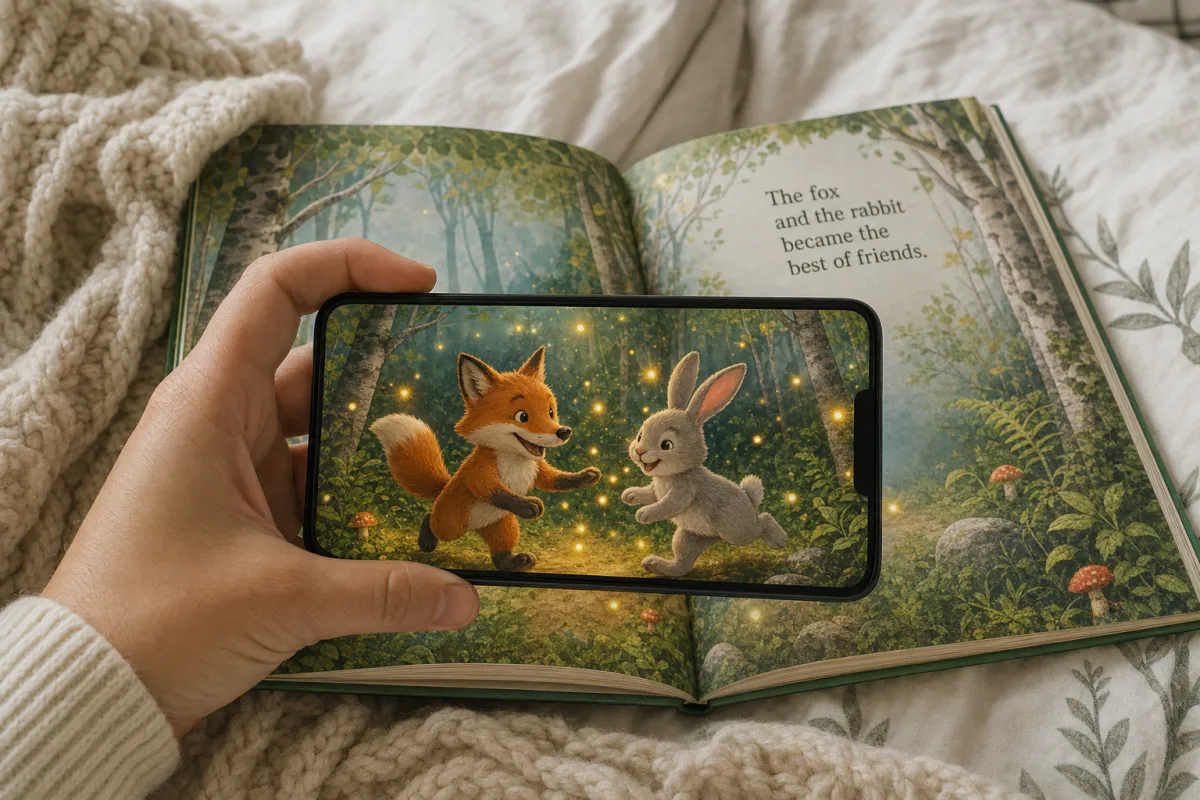
AR children’s book page template
Picture books, early readers, activity books, classroom worksheets, book covers and promotional bookmarks.
See the guide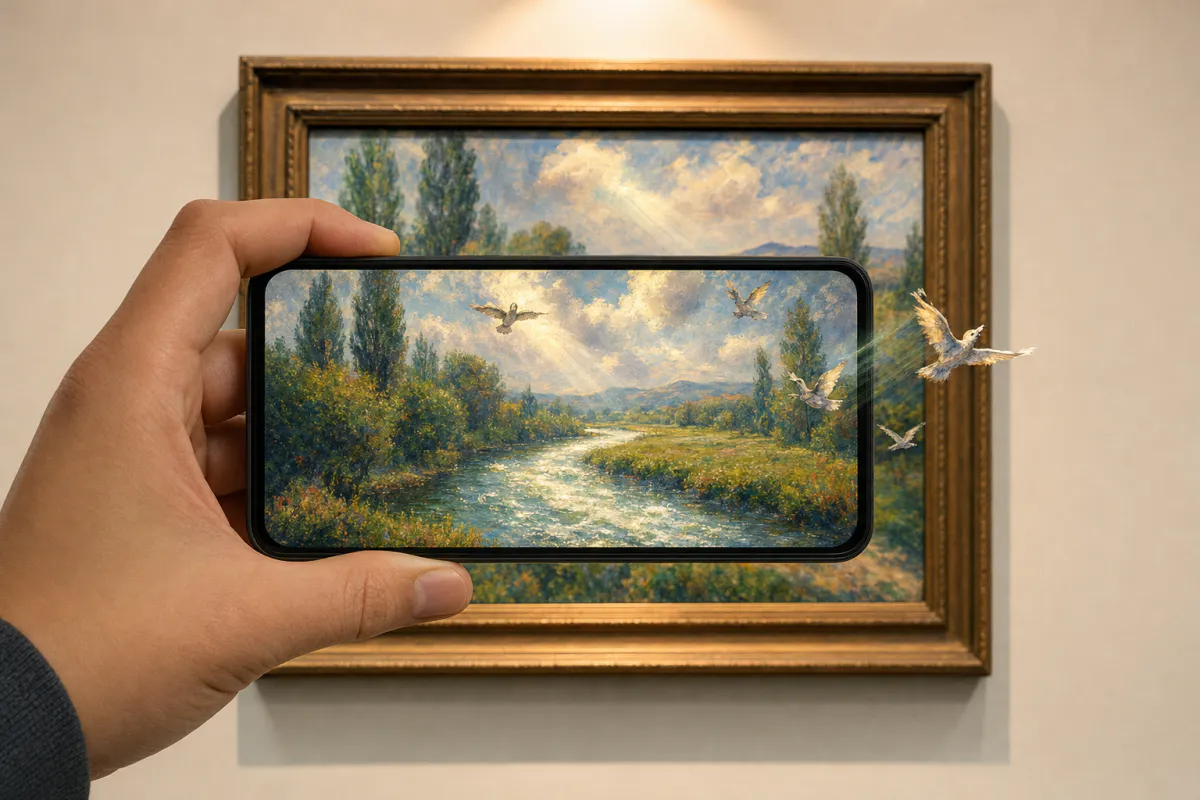
Living AR art print template
Limited edition prints, gallery and exhibition pieces, art fair stock, posters, postcards and print-on-demand products.
See the guideHow it works
How an AR marketing template works
Every template opens the same builder with a different preset, so the workflow is quick to learn and easy to repeat across formats and clients.
- 1Pick the template that matches what you are printing
- 2Upload the exact image that will appear on the printed piece
- 3Keep the preset motion prompt or rewrite it in up to 300 characters
- 4Name the experience, choose Web AR or the ARLOOPA app, and check the coin estimate
- 5Generate the five-second AI video, add the QR code to your design and test a printed proof
Choose a format
Which template fits your print
Each preset is tuned to its subject: food that steams, posters with stage energy, homes in shifting daylight, storybook characters that move and artwork that stays true to the artist. All of them keep text and logos unchanged.
For any other printed image, start from the general Make image alive template.
- •AR restaurant menu: signature dishes, specials and dessert cards
- •AR event poster: concerts, festivals, conferences and exhibitions
- •Real estate AR flyer: listings, open houses and just-listed postcards
- •AR children’s book: picture books, classroom stories and author events
- •Living AR art print: editions, gallery pieces and print-shop orders
- •Holiday AR postcard: corporate season’s greetings and order inserts
For teams and agencies
Run AR print campaigns at scale
Because each experience is tied to one image, it is easy to create a set: one per dish, listing, poster version or client. The analytics page then shows views for each, which helps you see which placements and designs people actually scan.
Agencies and larger teams can invite members to collaborate in Studio. On eligible plans, WebAR experiences can carry a client’s logo and colors, and a custom hostname keeps links on the client’s own domain.
- •Create separate experiences per location, language or audience
- •Compare views between placements on the analytics page
- •Apply white-label WebAR branding on eligible plans
FAQ
AR marketing templates FAQ
What is an AR marketing template?
It is a ready-made starting point in ARLOOPA Studio that turns a printed image into an AR experience. You upload the image, and a preset motion prompt generates an AI animation that plays on top of the print when scanned.
Does my audience need to install an app?
No. Publish as WebAR and people scan a QR code with their phone camera to open the experience in the browser. You can also publish to the ARLOOPA app.
How much does it cost to generate an animation?
AI generation uses coins, and the builder shows the estimate before you generate. See the pricing page for plans and what each includes.
What makes an image scan reliably?
Detail and contrast. Photos and illustrations with texture track well, while plain color fields, empty skies and repeating patterns are harder. Matte printing and avoiding glare help too.
Can I change the experience after printing?
Yes. The printed image stays the scan target, and you can open the experience in the Studio editor to add buttons, audio, 3D models or Scene Logic without reprinting.
Do I need coding skills?
No. You upload an image, edit a short prompt and generate, and the Studio editor is no-code too.
Explore more
More AR templates
Every occasion uses the same quick workflow: upload a photo, add AI motion, share as WebAR.
Holiday AR templates
Make holiday cards that come alive in augmented reality: Christmas, New Year, Valentine’s, Easter, Eid and more. Upload a photo, add AI motion, share as WebAR.
Open pageAR greeting card templates
AR greeting card templates for birthdays, weddings, save the dates, baby news, graduations, anniversaries and thank yous. Share them as WebAR.
Open pagePrint media AR
Posters, catalogs, brochures and business cards that come alive when scanned.
Open page


