
Holiday AR templates
Holiday AR templates: greeting cards that come alive
Turn a Christmas card, Eid greeting, Easter photo or Valentine’s card into augmented reality. Upload the picture you will print, let Studio add festive AI motion, and share it as WebAR, so anyone can scan the card with a phone camera and watch it move. No app or code needed.

Your photo, animated
The image you upload becomes the scan target, and an AI-generated festive video plays right on top of the printed card.
Opens without an app
Publish as WebAR and recipients scan a QR code with their phone camera to watch it in the browser.
A preset for every holiday
Each template opens the builder with its own name and motion prompt, from Christmas snow to Eid lanterns, which you can personalize.
Templates
Holiday AR templates
Ordered by season, so the next holiday is always first.
 In season
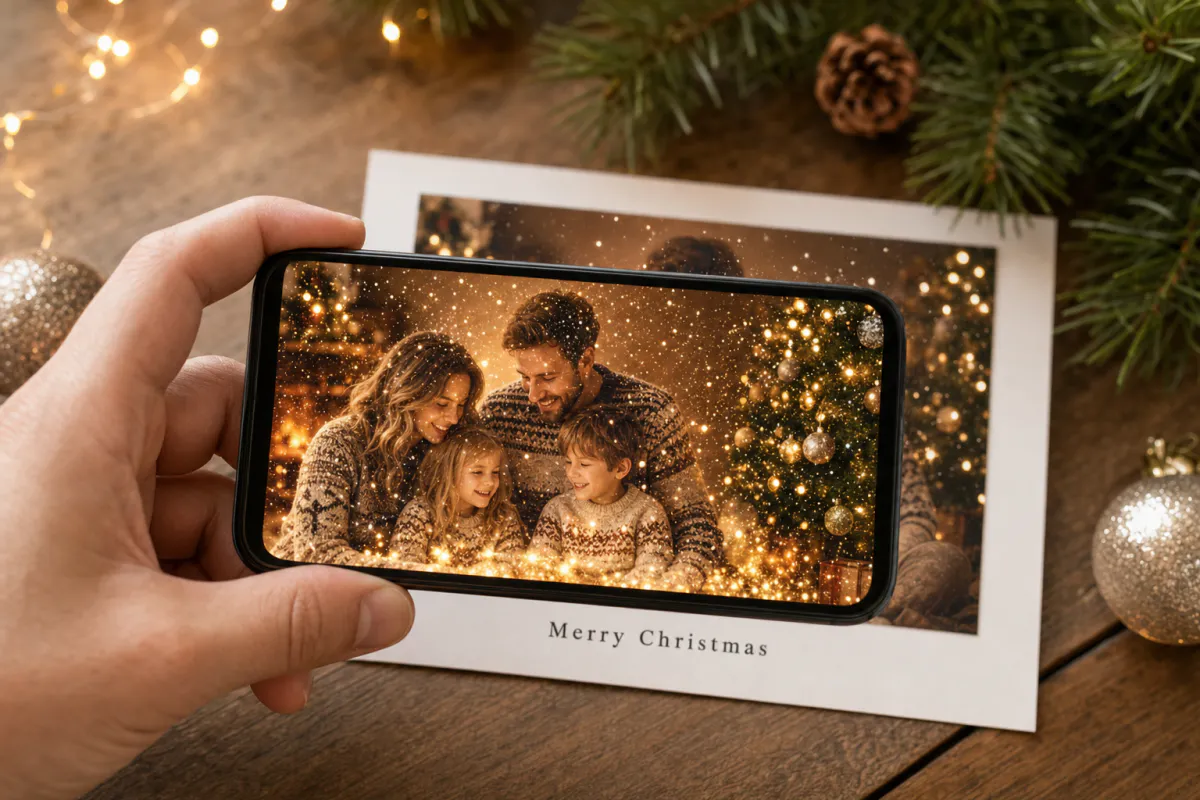
Christmas AR card template
Family photo cards, cards for friends abroad, teacher and classroom cards, and small businesses sending seasonal thank-yous.
See the guide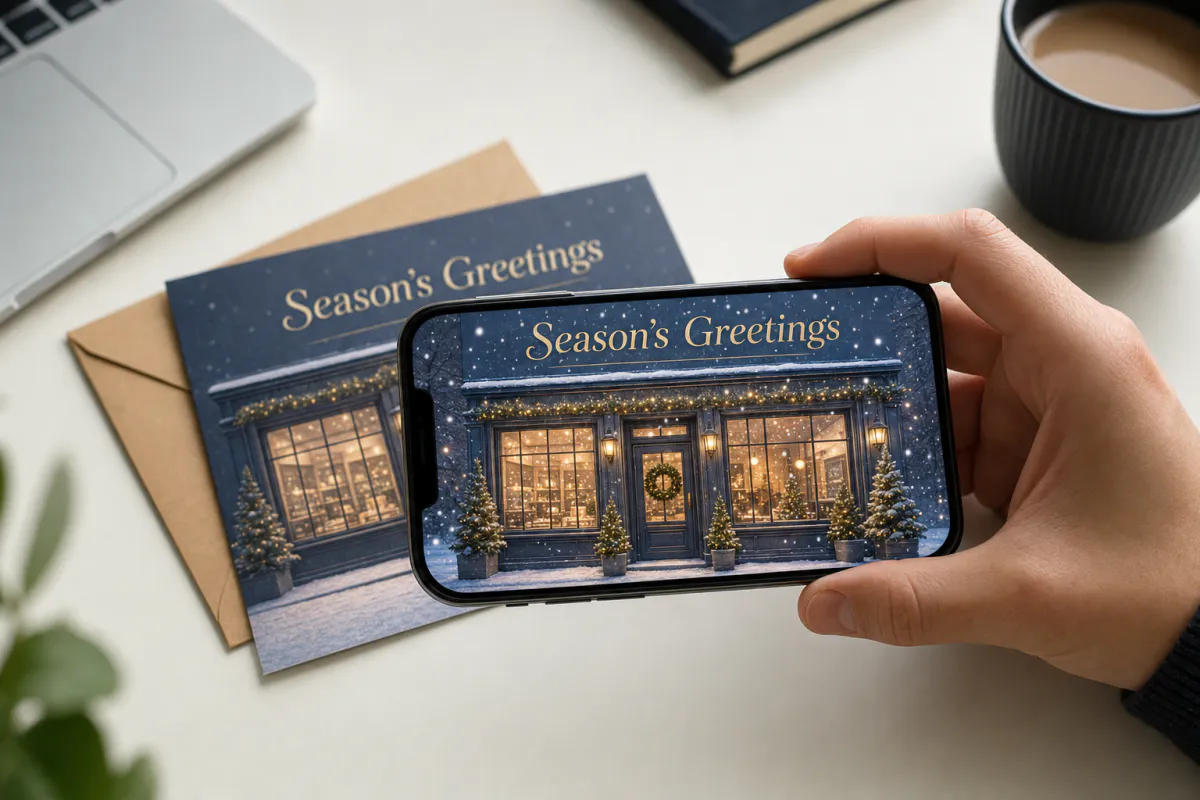 In season
Holiday AR postcard template for businesses
Corporate Christmas and New Year cards, client thank-you mailers, holiday packaging inserts and in-store seasonal posters.
See the guide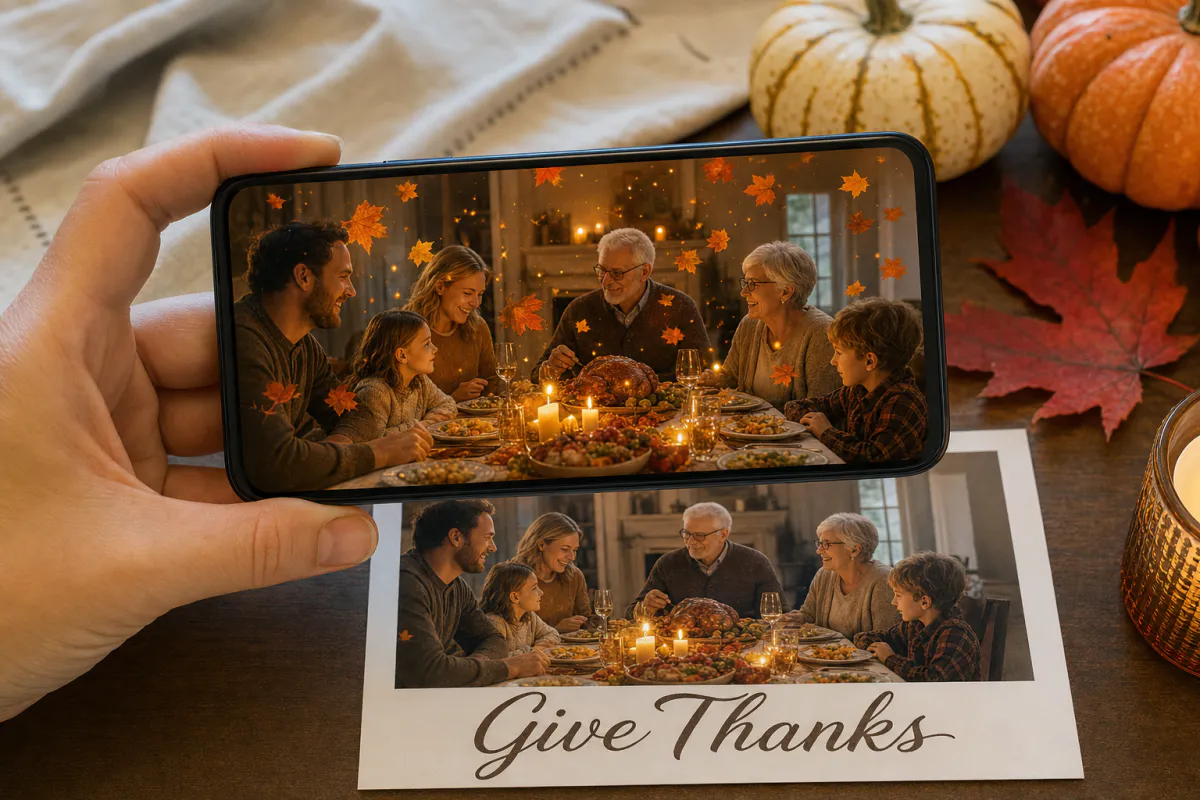 In season
Thanksgiving AR card template
Family Thanksgiving cards, dinner place cards, notes for hosts, gratitude cards for teachers and volunteers, and client thank-yous from small businesses.
See the guide
New Year AR greeting card template
Personal New Year cards, year-in-review photo greetings, team cards and client wishes from agencies or small businesses.
See the guide
Valentine's Day AR card template
Couple photo cards, long-distance surprises, proposal teasers, anniversary notes and gifts tucked into flowers or chocolates.
See the guide
Eid AR greeting card template
Family Eid greetings, cards for relatives overseas, notes for neighbors and colleagues, mosque and community event invitations, and greetings from local businesses.
See the guide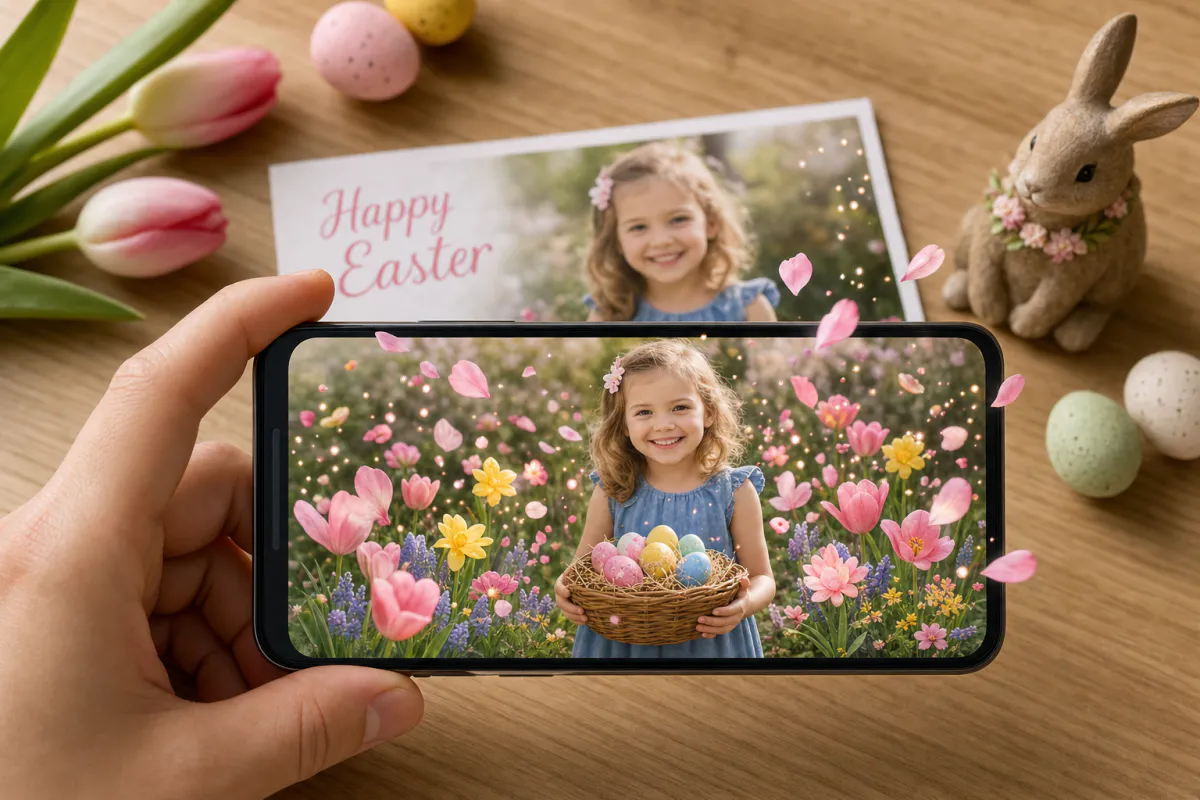
Easter AR card template
Family Easter cards, notes for grandparents, Sunday school and classroom crafts, egg-hunt clue cards and spring greetings from local shops.
See the guide
Mother's Day AR card template
Cards from kids and grown children, gifts for grandmothers, long-distance greetings, and florists or cafés adding something personal to orders.
See the guide
Father's Day AR card template
Cards from kids, grown children and grandkids, notes for new dads, gifts for grandfathers, and greetings from hardware stores, barbers or breweries.
See the guide
Halloween AR card template
Costume photo cards, Halloween party invitations, classroom treats, trick-or-treat bag tags, and seasonal promotions for costume shops, cafés and pumpkin patches.
See the guideReady-made Christmas AR experiences
Open these from the public ARLOOPA Library on your phone to see what holiday AR looks like, then make your own card with the templates above.


Christmas Gnome
Open experience
Winter Cottage
Open experience
Snowman
Open experience
Santa Hulk 2 by Stefano Landi
Open experience
Santa Hulk by Stefano Landi
Open experience
SantaClaus by Stefano Landi
Open experienceHow it works
How to make a holiday AR card in five steps
Every holiday template uses the same Studio workflow: the picture you print is linked to an animated version of itself. When a phone camera recognizes the printed card, the animation appears exactly on top of it.
- 1Choose the holiday template and open it in Studio
- 2Upload the card design or photo you will print
- 3Personalize the festive motion prompt or keep the preset
- 4Generate the AI animation and publish as WebAR
- 5Print the card with a QR code on the back and test one copy
For businesses
Seasonal AR campaigns for brands, shops and agencies
Holidays are when printed material peaks: client cards, packaging inserts, shop windows and event invitations. Adding AR to the designs you are already printing gives people a reason to scan, share and come back, and the analytics page shows you how many did.
Agencies can deliver a seasonal AR card for each client from one workflow. On plans with white-label WebAR branding, every experience can carry the client’s logo and colors, and custom hostnames keep links on the client’s domain.
- •Corporate holiday cards and season’s greetings for clients
- •Order inserts that thank customers in AR
- •Shop window posters that come alive for passers-by
- •Holiday packaging sleeves and gift box cards
- •Event and party invitations with the details revealed in AR
- •Add-on cards for florists, cafés and gift shops
Plan ahead
A calendar of holidays you can bring to life
The templates are ordered by season, so the next holiday is always at the top. Dates such as Easter and Eid move every year, and Mother’s and Father’s Day differ between countries, so check your local date before planning a print run.
Generate and test the AR first, then send the design to print. That way you can still swap the photo if a test scan is not steady, and you leave enough time for posting cards.
- •Halloween and Thanksgiving in the autumn
- •Christmas, season’s greetings and New Year in winter
- •Valentine’s Day, Easter and Mother’s Day in early spring
- •Eid, with dates following the lunar calendar
- •Father’s Day in early summer
FAQ
Holiday AR templates FAQ
What is an AR greeting card?
An AR greeting card is a printed card linked to digital content. When someone points a phone at it, an animation appears on top of the card through augmented reality. ARLOOPA Studio templates create this from your own photo or design.
Do people need an app to see a holiday AR card?
No, if you publish it as WebAR. Recipients scan the QR code with their phone camera, the experience opens in the browser, and they point the phone at the card. You can also publish to the ARLOOPA app.
Which holidays do the templates cover?
There are templates for Christmas, New Year, Valentine’s Day, Easter, Mother’s Day, Father’s Day, Eid, Halloween and Thanksgiving, plus a season’s greetings postcard for businesses. The same workflow works for any occasion with a printed photo.
How long does it take to make an AR card?
Setting it up takes a few minutes: upload the image, adjust the prompt and generate. The AI animation takes a short while to render, and the builder shows the coin cost before you start.
Can businesses use these templates for clients?
Yes. Companies use them for client cards, order inserts and shop windows. White-label branding and custom hostnames are available on eligible plans, and the analytics page shows how many people scanned.
Can I change the animation after the cards are printed?
Yes. The printed card remains the scan target, but the content lives in Studio, so you can open the experience in the editor and adjust or replace it without reprinting.
Explore more
More AR templates
Every occasion uses the same quick workflow: upload a photo, add AI motion, share as WebAR.
AR greeting card templates
AR greeting card templates for birthdays, weddings, save the dates, baby news, graduations, anniversaries and thank yous. Share them as WebAR.
Open pageAR marketing templates
AR marketing templates for menus, event posters, real estate flyers, children’s books, art prints and holiday postcards. Upload an image and publish as WebAR.
Open pageHoliday AR library
Browse ready-made Christmas, Easter, Halloween and Valentine’s AR experiences.
Open page


