1
Choose the photo that started it
A wedding photo, first date or first home all work. If it is an old print, scan it at high resolution in even light before uploading.
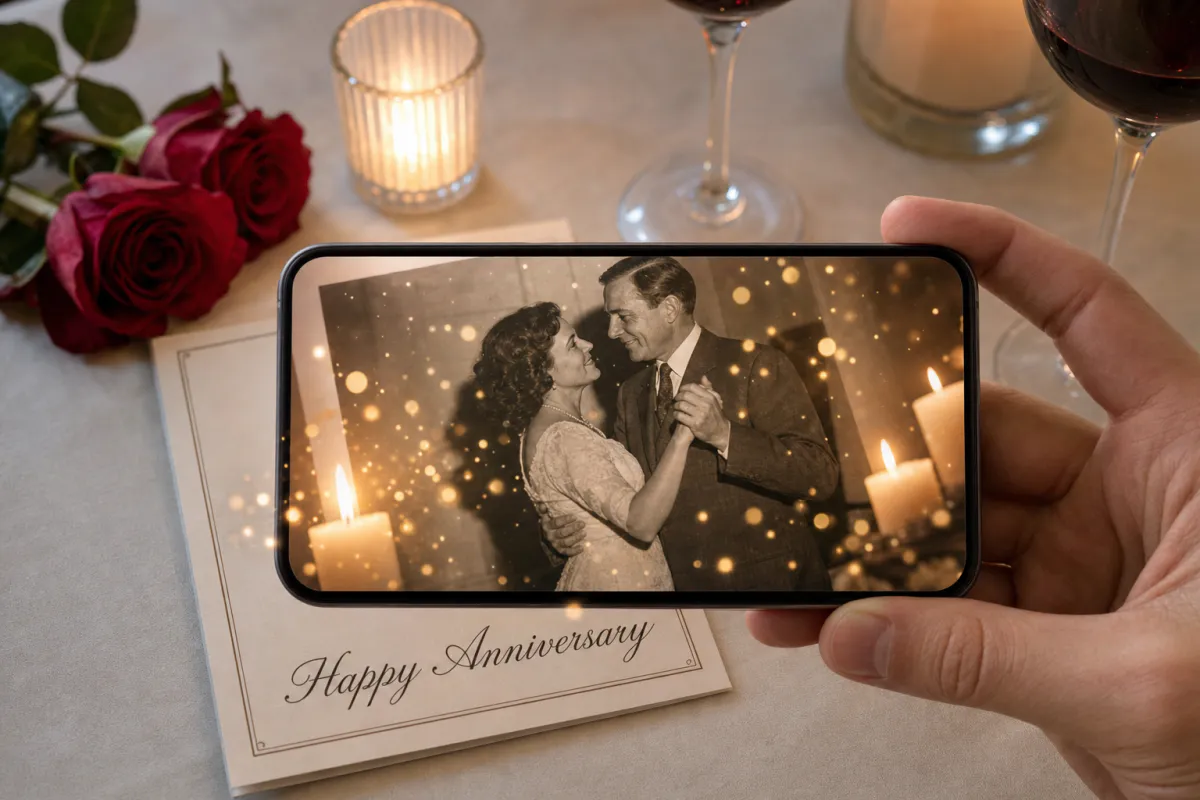
Mark the years with a photo that moves. Upload a wedding picture, a snapshot from your first trip or a recent portrait, and Studio adds warm flickering candlelight and slow drifting bokeh for an intimate, timeless mood. Scan the printed card and the memory plays softly on top of it.
Best for
First anniversaries, milestone years like the 25th and 50th, surprise cards for parents and grandparents, and vow renewal keepsakes.
What it creates
A marker-based AR card where the printed photo triggers a short AI-animated version of itself.
Simple to open
Publish as WebAR so it opens from a QR code in any phone browser, or publish it to the ARLOOPA app too.
Step by step
The builder opens with an anniversary preset: the experience is named “Anniversary AR card” and the prompt asks for warm candlelight and slow bokeh, keeping the couple and the composition exactly as they are.
A wedding photo, first date or first home all work. If it is an old print, scan it at high resolution in even light before uploading.
The preset is warm and quiet. Add a detail from the day if you like, such as “the veil moves slightly in the breeze” or “string lights glow overhead.”
If the card is a gift for parents or grandparents, Web AR spares them an app install. Show them how to scan the first time.
Studio produces a short AI video of around five seconds and builds the AR card around your photo. You see what it will cost in coins before confirming.
Publish, print the card with a small QR code, scan a test copy and give it with the gift or flowers.
Ideas
Paper is the traditional first-anniversary gift, and a printed card that comes alive is a fitting twist on it. For later milestones, the photo itself carries the weight: a 25th or 50th anniversary card built on the original wedding picture lets a whole family watch that day move again.
Children often organize anniversary surprises for their parents. A framed print with the AR attached makes a gift people keep on display, and anyone visiting can scan it.
Print tips
Older photos are often faded, low in contrast or slightly blurry, which makes them harder for a phone to recognize. Scan the original at high resolution, correct the color and contrast once, and use that improved file for both the upload and the new print.
Framing changes things too. Glass in front of a print reflects room lights and windows, which can interrupt tracking, so choose non-glare acrylic or an open frame for an AR photo gift and check it in the room where it will hang.
For small businesses
Photo restoration services and framing shops can offer an AR version of a restored wedding print. The customer brings the original, you restore and print it, and the animated experience is the part they did not expect.
Planners organizing milestone anniversary parties can turn old photos into scannable table cards or a welcome display, so guests move around the room sharing memories.
FAQ
Yes. Scan the original print at high resolution, improve the contrast if it has faded, and upload and print that same file. Run a test scan before giving the gift.
Not with WebAR. A phone camera scan of the QR code opens it in the browser, and then they aim the phone at the card or framed print.
The preset prompt asks for faces, people and composition to stay natural and unchanged, and adds candlelight and bokeh around them. Review the generated video before printing.
Yes, but glass reflections can interfere with tracking. Non-glare glazing or an open frame works better, and you should test it where it will be displayed.
More templates
Every occasion uses the same quick workflow: upload a photo, add AI motion, share as WebAR.
Birthday AR card template
Milestone birthdays, cards for grandparents and friends far away, kids’ party invitations and birthday greetings from small businesses to regular customers.
See the guideWedding AR invitation template
Couples planning printed invitations, stationers adding a premium option to a suite, and planners matching invitations to day-of signage.
See the guideSave the date AR card template
Engagement photo save the dates, destination weddings with guests abroad, and photographers who want to deliver more than a gallery after an engagement session.
See the guide


Solutions
ARLOOPA Inc. 2026