1
Upload the birthday picture
Choose the photo or finished card design you will print. The phone looks for this exact image, so pick the final version rather than a draft.
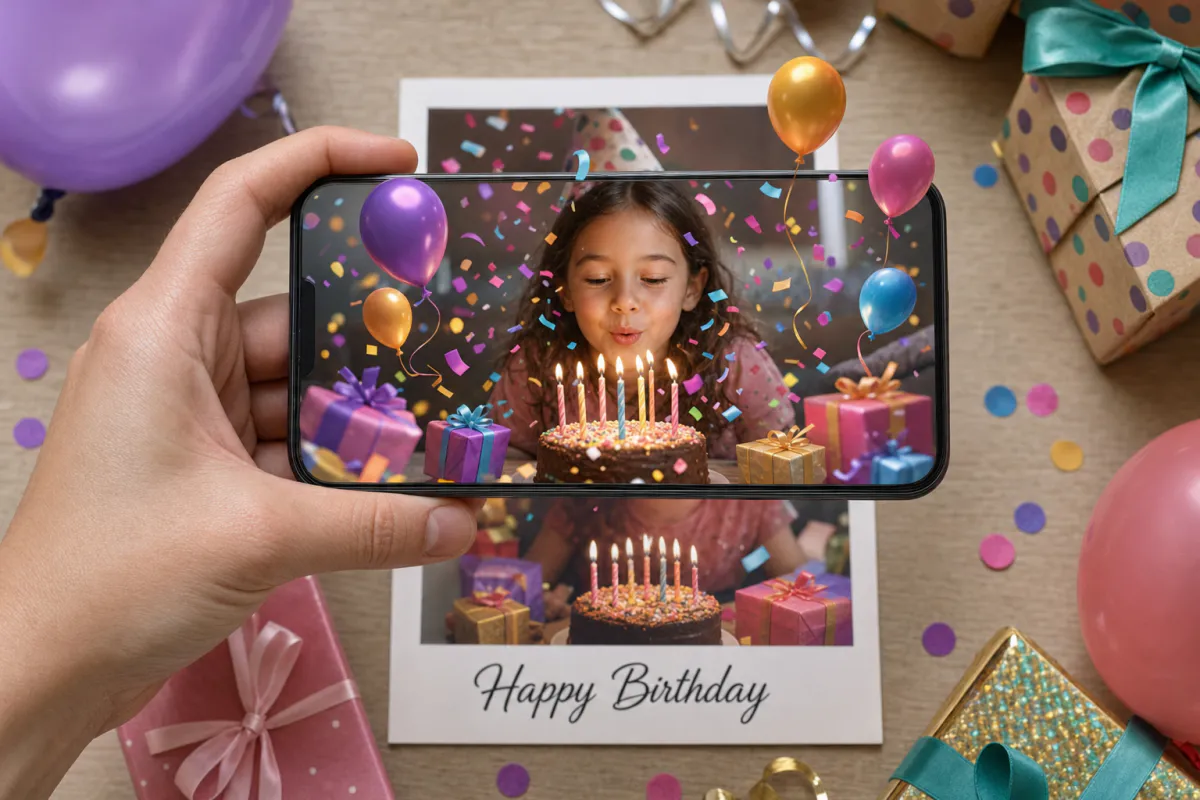
Turn a birthday photo into a card that celebrates back. Upload a picture of the birthday person or your own card design, and Studio animates it with falling confetti, drifting balloons and flickering candle flames. Point a phone at the printed card and the party starts on top of it.
Best for
Milestone birthdays, cards for grandparents and friends far away, kids’ party invitations and birthday greetings from small businesses to regular customers.
What it creates
A marker-based AR card: the image you upload is what the phone recognizes, and a short AI-animated version of it plays over the print.
How guests open it
Publish as WebAR so anyone can scan a QR code and watch in the phone browser, or publish to the ARLOOPA app if your family already uses it.
Step by step
The builder opens with a birthday preset: the experience is named “Happy Birthday AR card” and the motion prompt asks for confetti, balloons and candle flames while keeping faces natural. Both can be changed before you generate.
Choose the photo or finished card design you will print. The phone looks for this exact image, so pick the final version rather than a draft.
Start from the confetti and balloons, then add a detail only they would get, like “the cat bats at a balloon” or “the cake candles flicker brighter.” The prompt holds up to 300 characters.
Web AR is the safer choice for a card going to a mixed group, since nobody has to install anything before the surprise.
Studio turns your image into a roughly five-second AI video and builds the scannable card around it. You see the coin estimate before anything is generated.
Publish, add the QR code to the inside or back of the card, and scan a printed copy yourself before the card is signed and sealed.
Ideas
The animation lands best when the picture already means something. A photo from their tenth birthday that suddenly fills with confetti on their fortieth says more than any stock design,.
Kids react to the movement itself, so keep their cards bright and simple. For adults, a quieter moment often works better: candles flickering on a cake from a party years ago, or balloons rising behind a group of old friends.
Print tips
Party photos are usually great scan targets because they are busy: faces, streamers, wrapping paper and table clutter all give the phone something to lock onto. The trouble starts with cards that are mostly one bright color or a big blank space for signatures, because there is little for the camera to recognize.
If the card folds, put the tracked image on a single panel so the crease does not run through it. Signatures and doodles on top of the image can also confuse tracking, so leave a separate area for messages.
Parties and shops
The same template works for invitations. Print the party photo or theme artwork on the invite, and when guests scan it the scene comes alive. The written details stay on the card, so nobody has to scan to find the time and address.
Party planners, bakeries and photo studios can offer a living birthday card as an extra with a booking or order. The customer supplies a photo, you generate the card in a few minutes, and it goes home with the cake or the prints.
FAQ
Not if you publish it as WebAR. They scan the QR code with their phone camera, the experience opens in the browser, and they point the phone at the card.
Yes. Scan or photograph the print in good light, upload that file, and print the uploaded version on the card. Very faded photos have less contrast, so check the test scan carefully.
Studio generates a short AI video of around five seconds from your image, based on the motion prompt you approve in the builder.
The printed image stays the scan target, but the experience lives in your Studio account, so you can open it in the editor later and adjust the content without reprinting.
More templates
Every occasion uses the same quick workflow: upload a photo, add AI motion, share as WebAR.
Wedding AR invitation template
Couples planning printed invitations, stationers adding a premium option to a suite, and planners matching invitations to day-of signage.
See the guideSave the date AR card template
Engagement photo save the dates, destination weddings with guests abroad, and photographers who want to deliver more than a gallery after an engagement session.
See the guideBaby announcement AR card template
Birth announcements, pregnancy announcements for grandparents, adoption announcements and newborn photographers looking for a keepsake add-on.
See the guide


Solutions
ARLOOPA Inc. 2026